
Not all level apps are created equal — the best level tool app for iPhone should be accurate, intuitive, and built for real professional use. LevelPro delivers precision measurement in a beautifully crafted package, packed with features that go far beyond a basic bubble level.
Why Finding the Best Level Tool App Matters More Than You Think
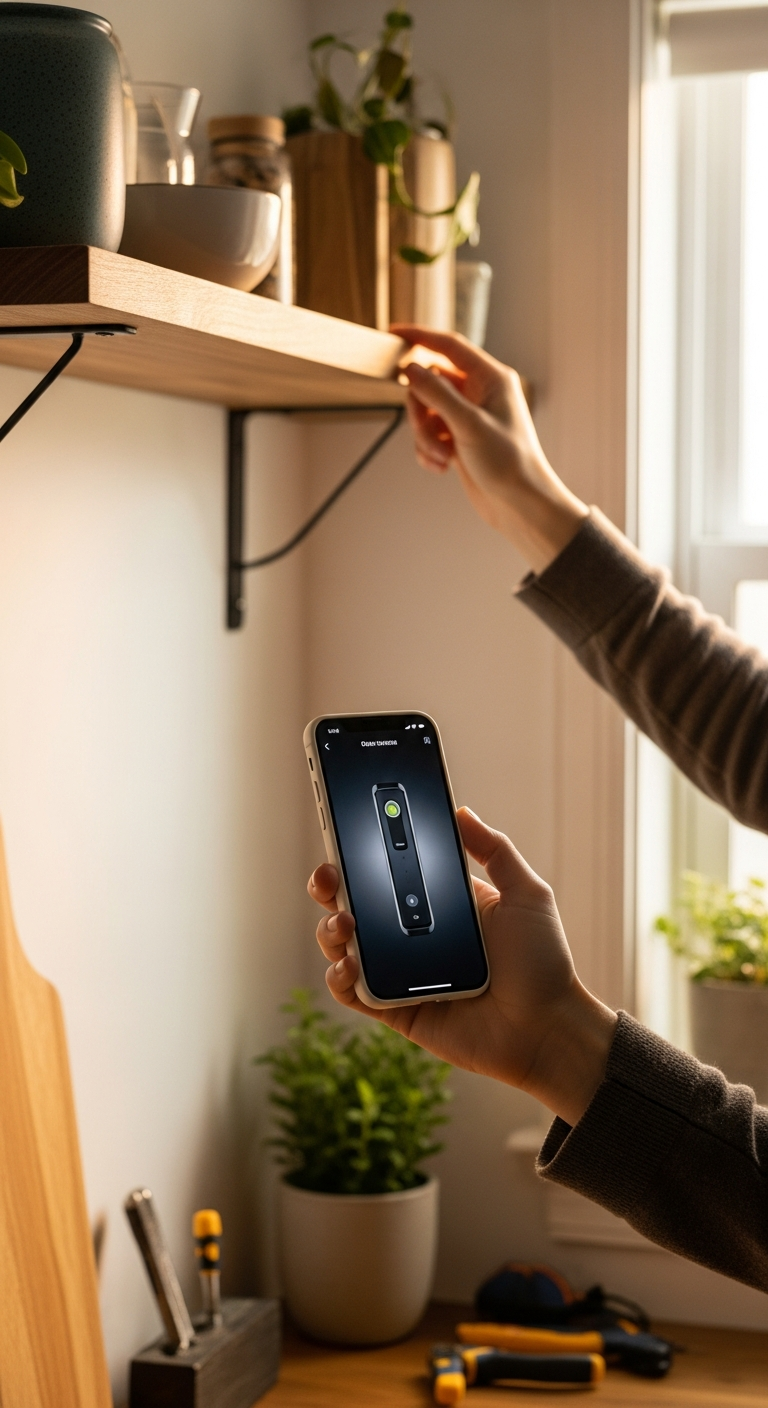
Whether you're hanging a gallery wall, leveling a workbench, or aligning fixtures on a construction site, having a reliable level tool in your pocket can make or break the job. But not all level apps are created equal — and if you've ever used a clunky, inaccurate, or frustratingly basic level app, you already know the difference precision makes.
The good news? Your iPhone is home to some genuinely powerful measurement tools. The challenge is finding the best level tool app that actually delivers on its promises — one that goes beyond a wobbling bubble graphic and gives you real, professional-grade accuracy.
Here's what separates a great level app from a forgettable one:
- Accuracy you can trust — calibration matters, and cheap apps skip it entirely
- Intuitive design — you shouldn't need a manual to level a shelf
- Versatility — flat surfaces, edges, angles, and more all have different demands
- Pro features — AR camera view, Apple Watch support, haptic feedback, and hold functions that work in tricky positions
- Built for real use — whether you're an architect, photographer, builder, or a dedicated perfectionist
In this guide, we're breaking down exactly what makes LevelPro stand out as the best level tool app for iPhone in 2025. From its intelligent calibration system to its stunning dark UI with neon accents, LevelPro was built for people who take precision seriously — and it shows in every interaction.
1. Intelligent Calibration That You Can Actually Trust
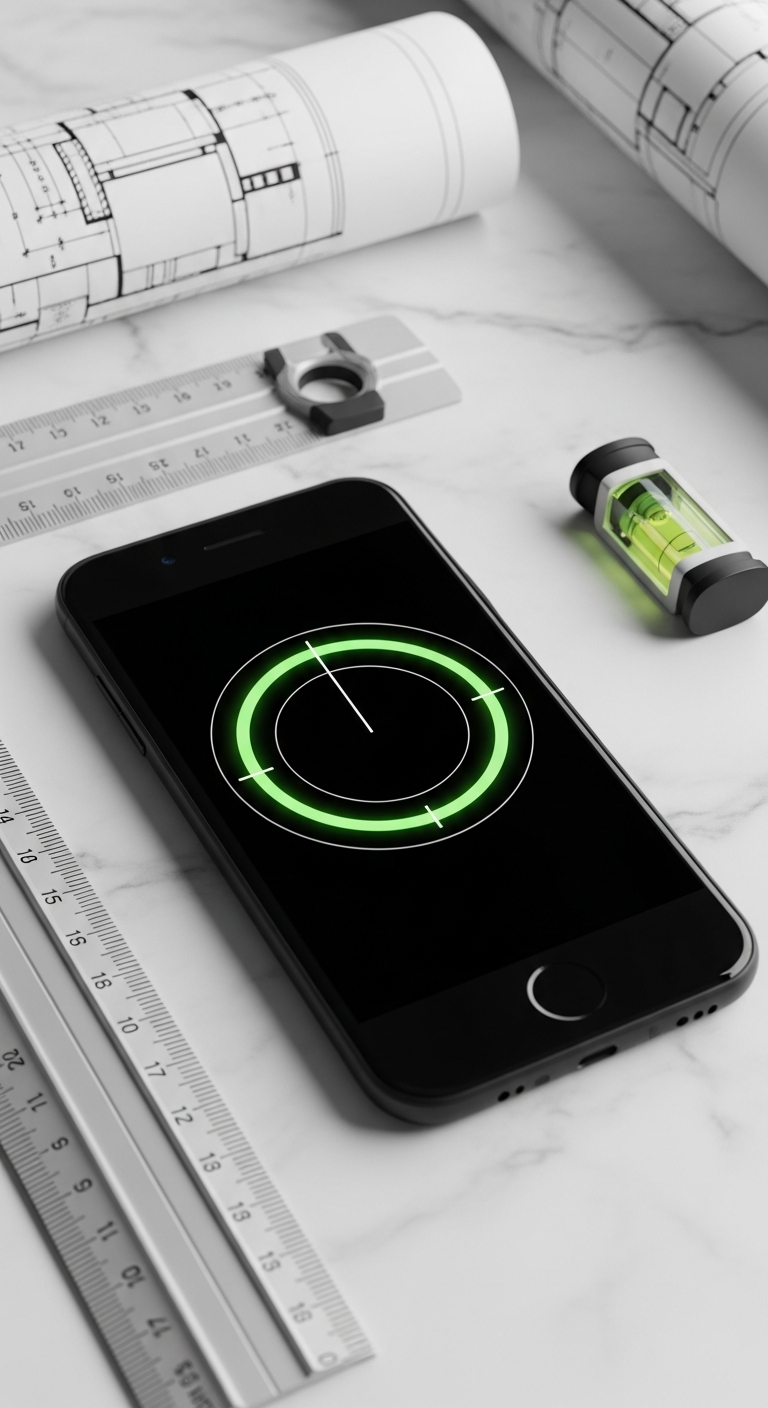
Every level tool is only as good as its accuracy — and that's exactly where most free or basic apps fall flat. Sensor variance across iPhone models is a real challenge, and apps that ignore calibration can leave you with readings that are off by a degree or more. That's not just inconvenient — in professional settings, it can be genuinely costly.
LevelPro tackles this head-on with its intelligent 2-step calibration system. Rather than simply trusting the raw data from your device's accelerometer, LevelPro walks you through a quick calibration process that compensates for individual sensor drift and device-specific variance. The result? Measurements you can stake your reputation on.
Here's why calibration makes all the difference when choosing the best level tool app:
- Sensor variance is real — even premium iPhones can have minor hardware deviations that throw off uncalibrated readings
- Two-step calibration is more reliable — LevelPro's dual-stage process eliminates cumulative error that single-step systems miss
- Consistency across sessions — once calibrated, LevelPro maintains that precision across readings, whether you're checking a surface at 9am or 9pm
- Confidence in critical tasks — from architectural alignments to precision photography rigs, trust is non-negotiable
This level of thoughtful engineering is what separates a professional-grade instrument from a novelty app. If you're serious about accuracy, calibration isn't optional — it's the foundation. You can learn more about what LevelPro offers or dive into more precision tool guides on the blog to see how it stacks up in real-world scenarios.
When accuracy is the price of entry, LevelPro's calibration system means you start every job with a genuine advantage.
2. AR Camera Mode and Dual-View Precision — See the Surface, Not Just the Screen
One of the most frustrating limitations of basic level apps is that you're always working blind — holding your phone against a surface while staring at a screen that tells you nothing about what's actually underneath it. For professionals and perfectionists, that disconnect is a real obstacle.
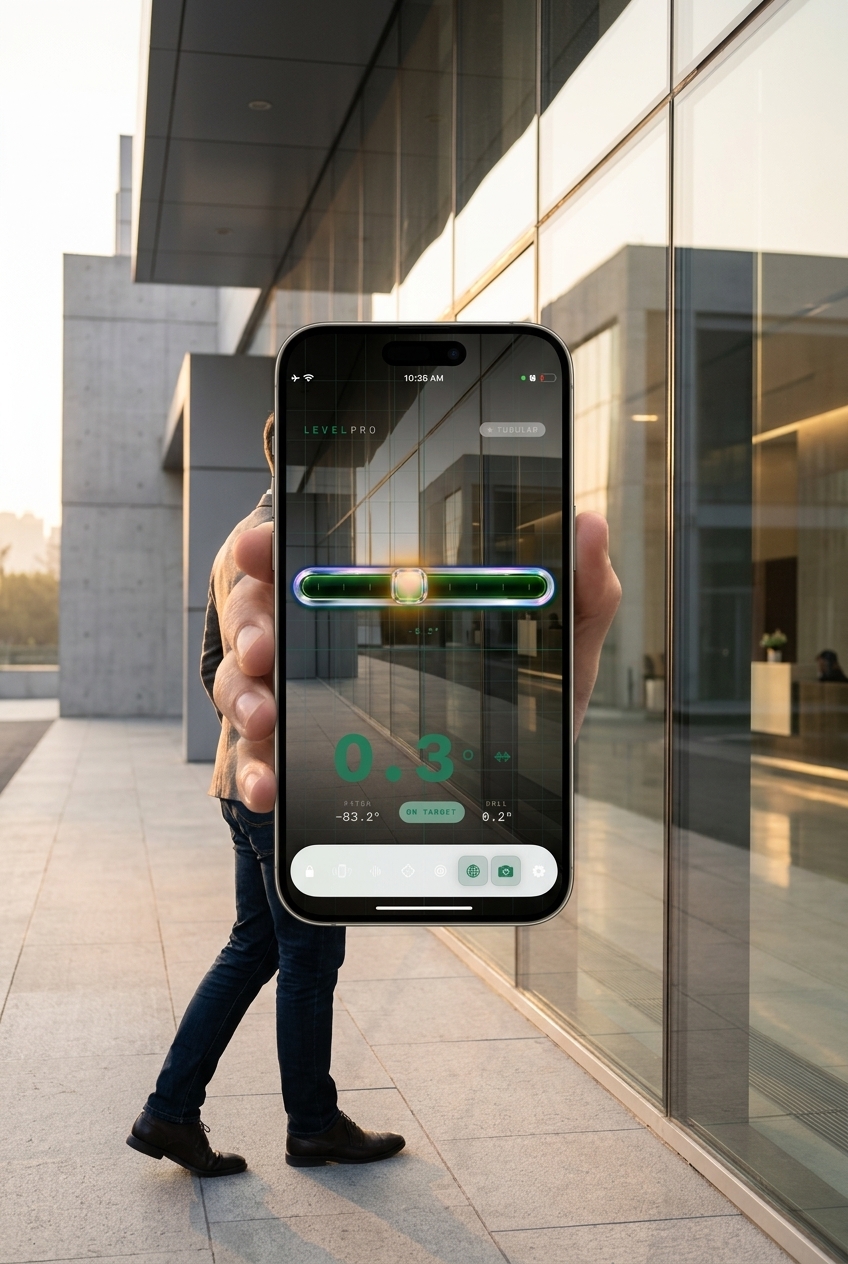
LevelPro solves this with its AR Camera mode, which overlays the live camera feed with real-time level data, letting you see the actual surface you're measuring while the app does its work. It's one of those features that sounds simple but fundamentally changes how you work — especially in tight spaces, on uneven surfaces, or when precision alignment is critical.
But that's just the beginning. LevelPro's two professional modes — Bullseye and Tubular — mean you're never using a one-size-fits-all tool on a job that demands specificity:
- Bullseye mode is ideal for flat horizontal surfaces — tables, floors, countertops, and mounting points — giving you a classic circular level view with LevelPro's sharp, neon-accented UI
- Tubular mode mirrors a traditional spirit level for edges, door frames, walls, and vertical surfaces, delivering the kind of reading a carpenter or installer immediately trusts
- AR Camera (Grid + Through-Camera view) lets you see the real-world surface in real time, removing the guesswork from tricky alignment jobs
- Target Angle mode adds another layer of control, letting you lock in a custom angle and receive both haptic and audio feedback when you've nailed it — perfect for angled installations, photo rigs, or custom builds
- Hold function freezes your reading instantly, invaluable when you're working in awkward positions and can't keep eyes on the screen
For anyone who takes their craft seriously — whether you're a builder checking a door frame, an interior designer aligning a bespoke shelving unit, or a photographer setting up a precision rig — this depth of tooling is what makes LevelPro the best level tool app on iPhone today. You're not getting a digital replica of a cheap hardware store tool. You're getting a genuinely smarter instrument.
If you want to explore more about the thinking behind LevelPro's design philosophy, the LevelPro homepage gives a clear picture of the precision-first approach that drives every feature decision.
The Best Level Tool App for iPhone in 2025 — The Verdict
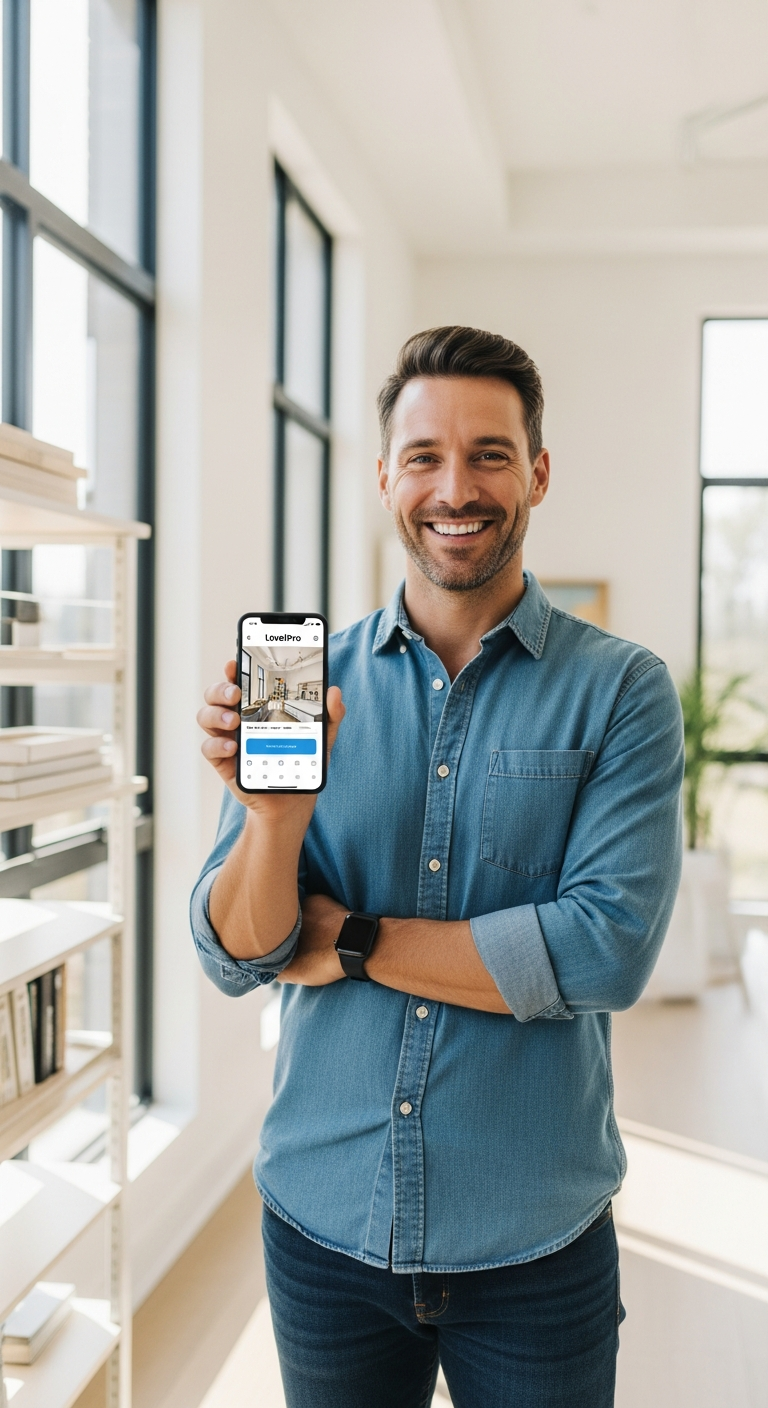
If you've made it this far, the picture is clear: not all level apps deserve a place on your home screen, and the difference between a forgettable utility and a genuinely professional instrument is enormous.
LevelPro earns its place as the best level tool app for iPhone by doing something most apps don't bother to attempt — combining real engineering depth with a design that feels like it belongs on a professional's device. From the intelligent 2-step calibration that compensates for real sensor variance, to the AR Camera mode that lets you see the surface you're measuring, to the Apple Watch companion that puts live readings on your wrist — every feature exists for a reason.
Here's a quick recap of why LevelPro stands above the rest:
- Precision you can trust — a thoughtfully engineered calibration system that delivers professional-grade accuracy across all iPhone models
- AR Camera mode — see the real world and your level data simultaneously, no more working blind
- Bullseye and Tubular modes — the right view for every surface, every job
- Target Angle mode with haptic feedback — lock in custom angles and feel the confirmation
- Apple Watch support — measure from your wrist in tight or awkward positions
- Elegant dark UI with neon accents — a tool that looks as good as it performs
- Hold function and multiple measurement units — built for real-world, real-job conditions
Whether you're an architect fine-tuning a structural detail, a photographer aligning a camera rig, a builder checking a door frame, or simply someone who refuses to hang a crooked picture frame — LevelPro gives you the confidence to do it right, every time.
Ready to upgrade your measurement toolkit? Explore everything LevelPro has to offer at the LevelPro homepage and discover why precision-focused professionals are making the switch. And if you're curious about what other top iOS tools and productivity apps are worth your attention, the LevelPro blog is the place to keep exploring.
Measure smarter. Work better. Choose LevelPro.
Frequently Asked Questions
What is the best level tool app for iPhone?
LevelPro is widely regarded as one of the best level tool apps for iPhone, offering two professional modes (Bullseye and Tubular), AR camera view, Apple Watch support, and intelligent calibration — all in a sleek, subscription-based package.
Is LevelPro accurate enough for professional use?
Yes. LevelPro features a 2-step intelligent calibration system that compensates for device sensor variance, delivering professional-grade accuracy suitable for architects, engineers, photographers, and builders.
Does LevelPro work on Apple Watch?
Absolutely. LevelPro includes an Apple Watch companion app that displays real-time level measurements directly on your wrist, making it incredibly convenient when working in awkward positions.
What makes LevelPro different from the built-in iPhone level?
Unlike the basic built-in level, LevelPro offers AR Camera mode to see real surfaces beneath your device, Target Angle mode with haptic feedback, a Hold function to freeze readings, multiple measurement units, and a premium dark UI with neon accents.
Does LevelPro require a subscription?
Yes. LevelPro works with an active subscription, which unlocks all professional features including AR Camera mode, Apple Watch support, Target Angle mode, and the full calibration system.