
Not all spirit level apps are created equal — the best ones combine accuracy, smart features, and a design you actually enjoy using. In this guide, we break down what separates a great digital level from the rest, and why LevelPro stands out as the top choice for iPhone users in 2025.
Why Your iPhone Deserves the Best Spirit Level App in 2025
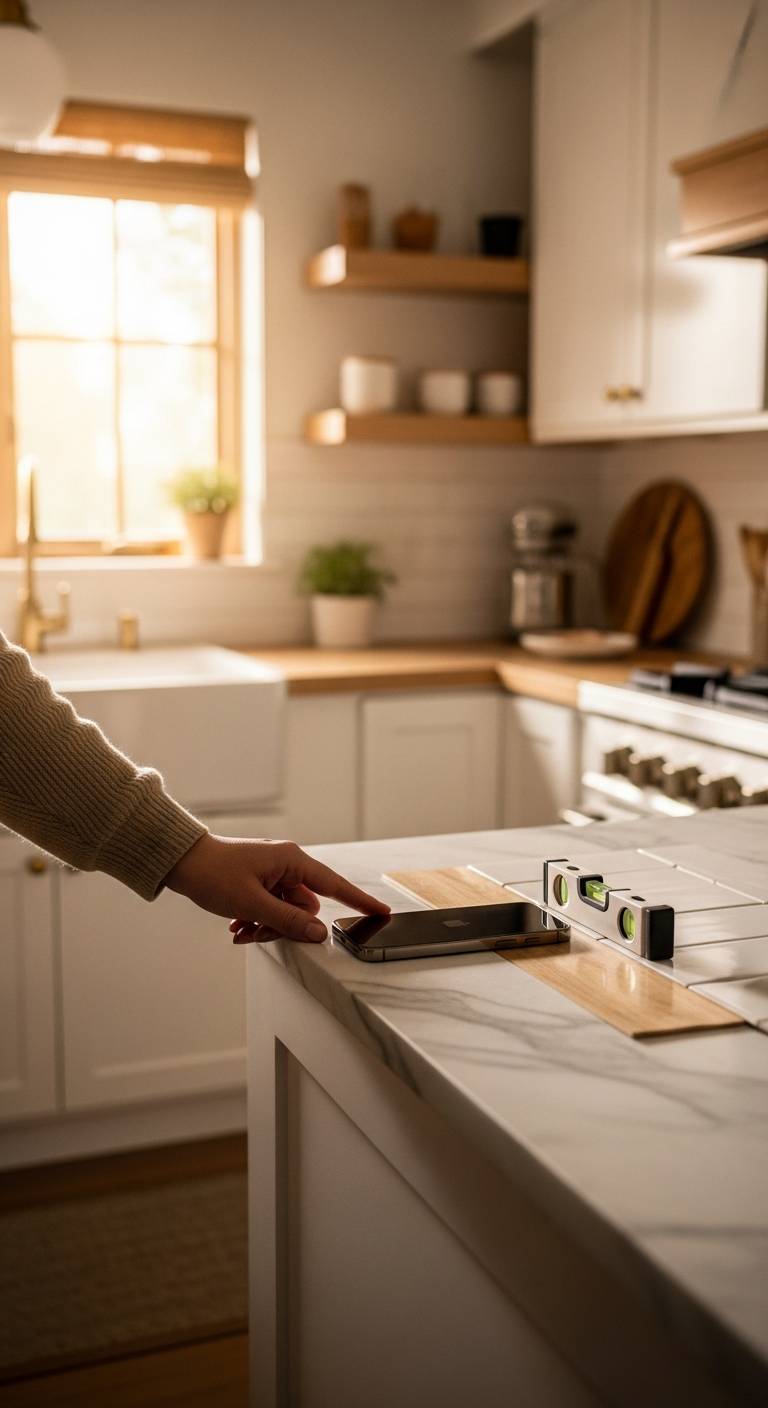
Whether you're hanging a gallery wall in your living room, leveling a kitchen countertop before tiling, or setting up professional photography equipment on location — getting the angle right matters. A few degrees off and the whole project looks wrong. That's where a great spirit level app comes in.
But here's the thing: not all spirit level apps are created equal. The App Store is full of basic bubble-level clones that barely outperform eyeballing it. If you've ever wondered why your shelves still look slightly off after using one, the app — not your instincts — was probably to blame.
The best spirit level app does more than just show a bubble on a screen. It should:
- Deliver accurate, calibrated readings you can actually trust on the job
- Offer multiple measurement modes for different surfaces and scenarios
- Feel intuitive to use — especially when you're holding a plank of wood with one hand
- Integrate with your workflow, whether that means Apple Watch support or AR camera overlays
- Look and feel like a professional instrument, not a free afterthought
In this guide, we break down exactly what separates a truly great digital level from the rest — and why LevelPro has earned its place as the top choice for iPhone users in 2025. From architects and builders to designers and weekend DIYers, this is the tool that gets precision right.
1. Precision You Can Actually Trust — Accurate Readings Every Time
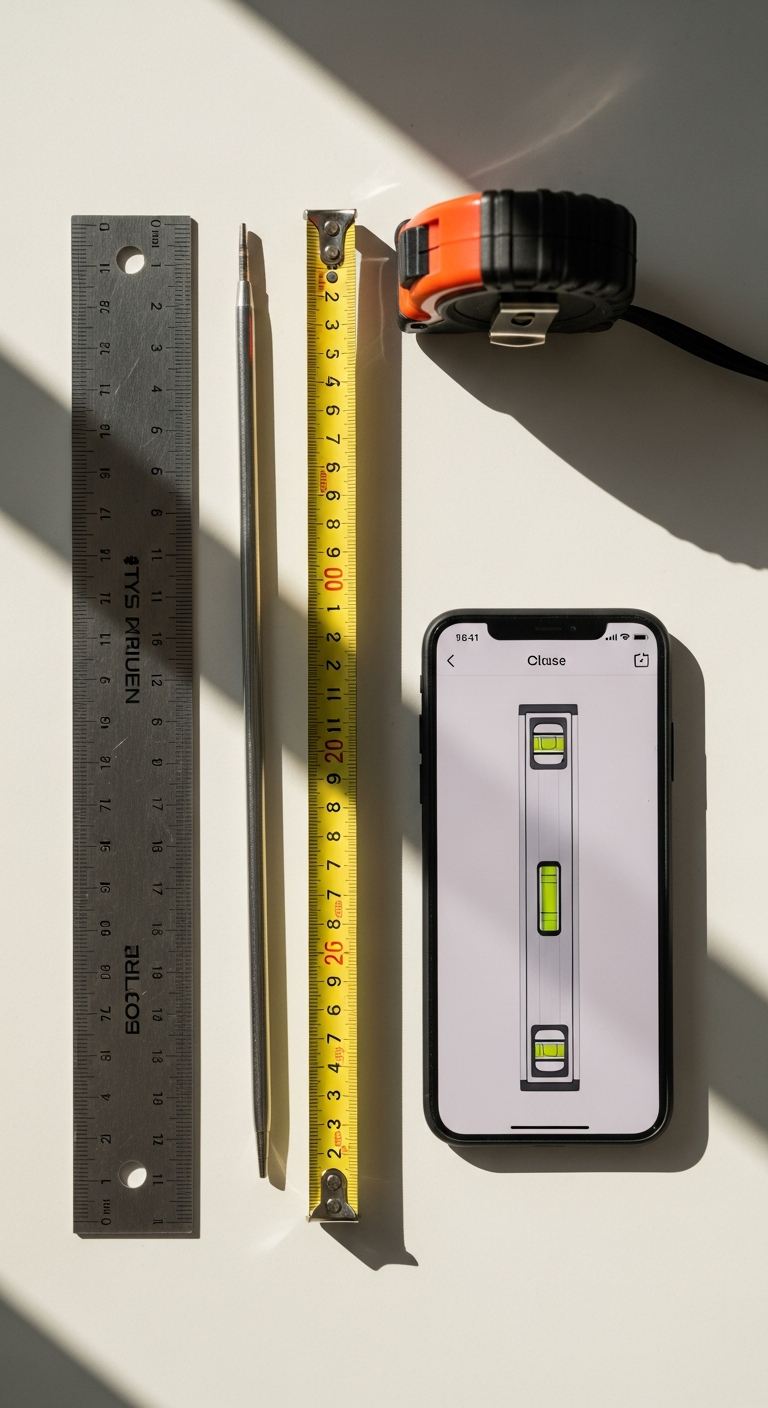
The single most important quality in the best spirit level app is accuracy. An app that looks beautiful but gives you unreliable readings isn't a tool — it's a liability. Whether you're leveling a structural beam or hanging a statement mirror, you need numbers you can stake your project on.
This is where LevelPro separates itself from the crowd of generic bubble-level apps. At its core is an intelligent 2-step calibration system that accounts for your specific device's sensor characteristics — so you're not relying on factory defaults that may have drifted over time.
Here's what makes LevelPro's precision genuinely stand out:
- Two dedicated professional modes — Bullseye mode for flat surfaces like floors, countertops, and tables, and Tubular mode for single-axis measurements along walls, pipes, and edges
- Intelligent calibration that corrects for sensor bias, giving you readings that hold up in real-world professional scenarios
- Target Angle mode with haptic and audio feedback — set your desired angle and let LevelPro alert you the moment you hit it, no need to keep staring at the screen
- Hold function to freeze your reading in place, perfect for awkward angles or hard-to-reach corners where you can't keep your eyes on the screen
- Multiple measurement units so you can work in degrees, percentage slope, or whatever your workflow demands
If you've been burned by inaccurate readings from lesser apps before, it's worth understanding what separates a quality level tool app from the rest — the difference often comes down to calibration logic and sensor handling, both of which LevelPro takes seriously.
For architects, engineers, and builders who depend on repeatable, trustworthy measurements, this level of precision isn't a nice-to-have. It's the baseline.
2. AR Camera Mode and Apple Watch Support — Smarter Tools for Real-World Work
Accuracy gets you far, but the best spirit level app should also adapt to the messy, hands-on reality of actual work. Surfaces that aren't easily visible. Tight corners behind appliances. Tasks where your hands are full and glancing at your phone screen simply isn't practical. That's where LevelPro's standout smart features come into their own.
See Through Your Device with AR Camera Mode
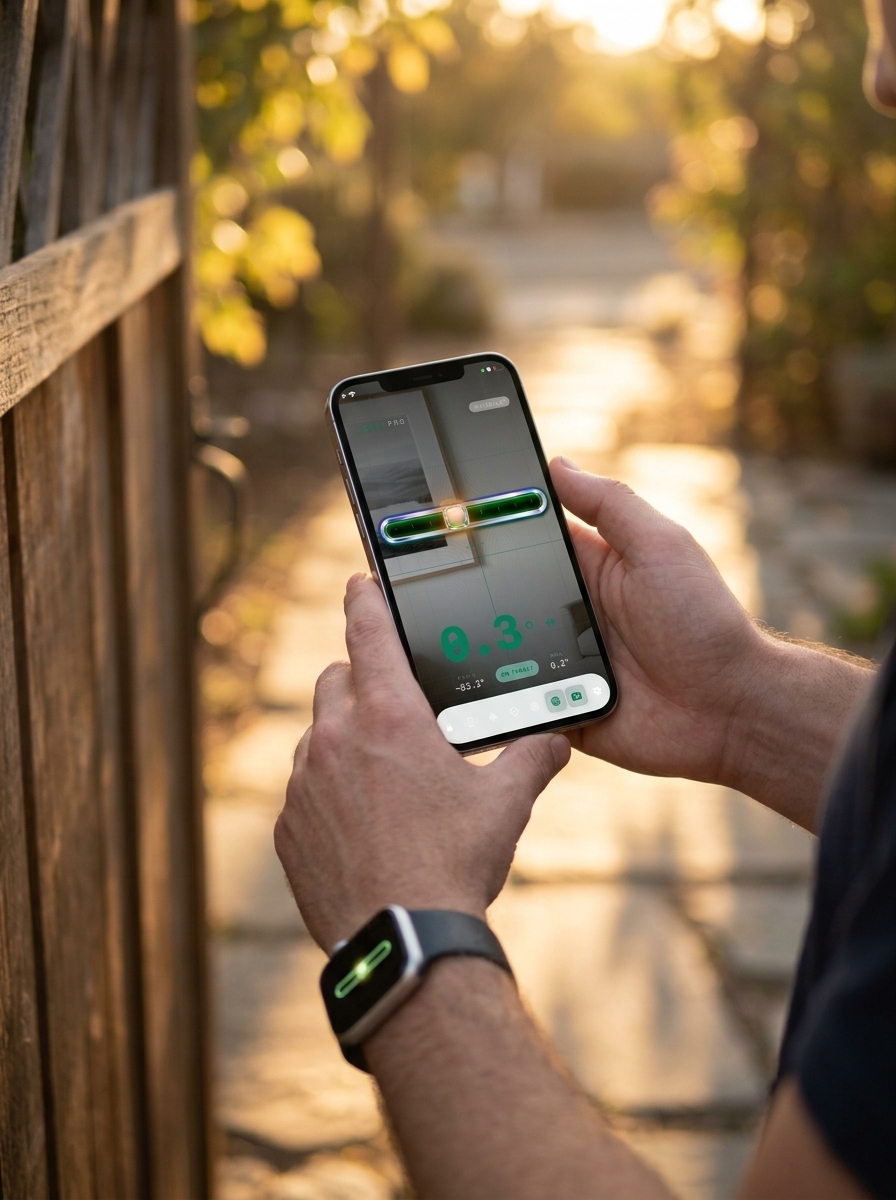
LevelPro's AR Camera mode is one of the most distinctive features in any spirit level app on the market today. Instead of placing your phone blind on a surface and hoping for the best, AR Camera mode uses your iPhone's rear camera to show you a live, real-time view of the surface beneath the device — overlaid with the level interface itself.
This matters more than it sounds:
- Tile and flooring installers can see both the surface texture and the level reading at the same time, without constantly lifting the phone
- Photographers and videographers can precisely frame and level camera rigs on uneven terrain while watching the ground through the display
- Furniture assembly becomes dramatically more efficient when you can see exactly where the feet are making contact
The result is a tool that feels genuinely augmented, not just digital — bridging the gap between physical work and precision measurement in a way few apps even attempt.
Real-Time Levels on Your Wrist
For hands-free scenarios, LevelPro's Apple Watch companion app is a game-changer. When you're up a ladder, underneath a cabinet, or steadying a heavy panel with both hands, checking your phone isn't just inconvenient — it's dangerous. With LevelPro on Apple Watch, you get:
- Live level measurements delivered directly to your wrist in real time
- At-a-glance readings that don't require you to stop, set down, or adjust your grip
- The same professional-grade accuracy as the iPhone app, right on your watch face
For professionals who work in construction, interior design, or photography, this kind of wrist-based precision isn't a gimmick — it's a genuine workflow improvement that adds up across an entire day on the job.
If you're comparing tools and wondering what truly separates a professional-grade app from the average free option, our in-depth look at the best level tool app for iPhone covers exactly why these kinds of smart integrations matter. The short version: when a tool fits seamlessly into how you actually work, you make fewer mistakes and finish faster.
The Best Spirit Level App for iPhone: Final Verdict
If you've made it this far, the case is clear: not every spirit level app deserves a place on your iPhone's home screen. The best ones earn it — through precision you can rely on, features that solve real problems, and a design that feels worthy of professional use.
LevelPro delivers on all three fronts. Whether you're a seasoned architect checking structural alignment on a job site, a photographer leveling a camera rig at golden hour, or a weekend DIYer finally getting that gallery wall perfectly straight — LevelPro is built to meet you where you work.
Here's a quick recap of why it stands apart as the best spirit level app in 2025:
- Two professional measurement modes (Bullseye and Tubular) for any surface or scenario
- Intelligent 2-step calibration for accurate, trustworthy readings every time
- AR Camera mode that lets you see the surface through your device in real time
- Apple Watch companion app for hands-free wrist-based measurements on the go
- Target Angle mode with haptic and audio feedback so you never miss your mark
- A sophisticated dark interface that feels like a genuine instrument, not a free utility
LevelPro runs on an active subscription model, giving you full access to every professional feature from day one — no hidden tiers, no locked modes.
Ready to stop second-guessing your measurements? Explore LevelPro and everything it can do and see why precision-minded professionals are making it their go-to leveling tool. And if you want to dig deeper into how LevelPro compares to the field, check out our comprehensive guide to the best level tool apps for iPhone for even more context.
Your projects deserve the right tool. Make it LevelPro.
Frequently Asked Questions
What is the best spirit level app for iPhone?
LevelPro is widely regarded as the best spirit level app for iPhone, offering two professional measurement modes, AR camera view, Apple Watch integration, intelligent calibration, and a premium dark interface designed for precision work.
Is a phone spirit level app accurate enough for professional use?
Yes — with proper calibration, a high-quality spirit level app like LevelPro can be highly accurate for professional tasks including construction, photography, architecture, and interior design.
Does LevelPro work on Apple Watch?
Yes. LevelPro includes an Apple Watch companion app that delivers real-time level measurements directly on your wrist, making it ideal for hands-free or hard-to-reach scenarios.
What's the difference between Bullseye and Tubular mode in LevelPro?
Bullseye mode measures tilt across a flat surface (perfect for tables, floors, and countertops), while Tubular mode measures angle along a single axis — ideal for edges, walls, and pipes.
Does LevelPro require a subscription?
Yes. LevelPro operates on an active subscription model, which gives users full access to all professional features including AR Camera mode, Target Angle, calibration, Apple Watch support, and more.