
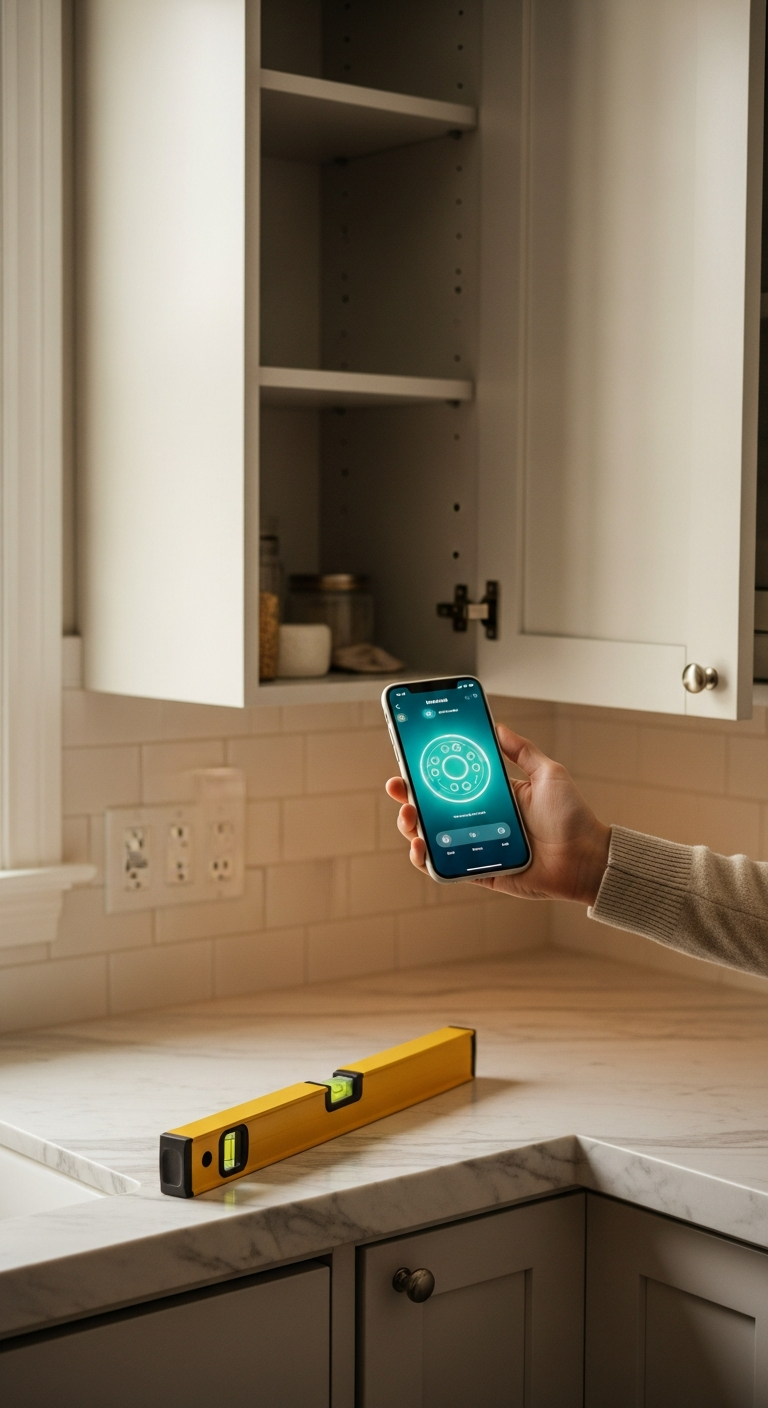
Finding the best bubble level app can transform how you measure, align, and build. LevelPro brings professional-grade accuracy and a stunning dark UI to your iPhone and iPad — no bulky hardware required.
Why Finding the Best Bubble Level App Actually Matters
Whether you're hanging a gallery wall in your living room, laying tile in the bathroom, or setting up a camera rig on location, a crooked surface can ruin everything. Eyeballing it never works — and lugging around a traditional spirit level isn't always practical. That's exactly where the best bubble level app becomes an essential tool in your kit.
Your iPhone already contains a highly sensitive accelerometer and gyroscope. The right app can transform that hardware into a precision instrument that rivals professional-grade levels — fitting neatly in your pocket and launching in seconds. But not all level apps are created equal. Many are clunky, inaccurate, or stripped-down tools that leave you second-guessing your measurements.
In this guide, we break down what separates a truly great bubble level app from the rest, and why LevelPro has become the go-to choice for architects, engineers, photographers, designers, and ambitious DIYers in 2025. Here's what to look for:
- Accuracy — Does the app correct for sensor bias with proper calibration?
- Versatility — Can it measure flat surfaces and edges with equal confidence?
- Smart features — Think AR camera overlays, Apple Watch integration, and target angle modes.
- Design quality — A refined, readable interface matters when you're working in real-world conditions.
- Reliability — Consistent readings you can trust, every single time.
If you've ever been frustrated by a level app that drifts, freezes, or just feels unpolished, you're in the right place. Let's dive into exactly what makes the best bubble level app worth downloading — and using every day.
1. Dual Professional Modes: Bullseye and Tubular in One App
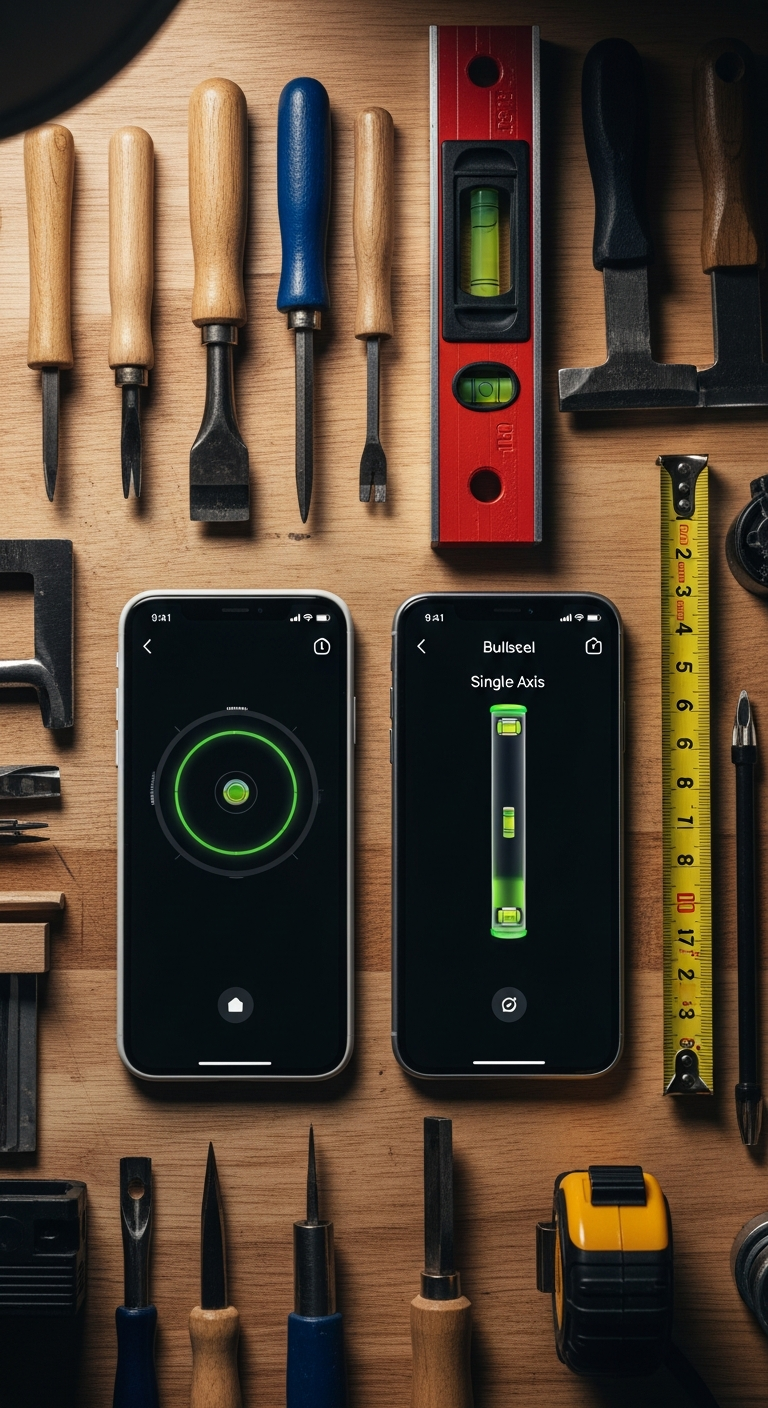
One of the clearest signs that you've found the best bubble level app is versatility — the ability to measure any surface, any edge, any angle, without switching tools. LevelPro delivers exactly that through two distinct professional modes that handle every real-world leveling scenario you'll encounter.
Bullseye Mode is your go-to for flat, horizontal surfaces. Think tabletops, camera platforms, appliances, flooring, or any plane where you need to confirm true level in all directions simultaneously. The classic circular bubble display is instantly readable, even in low-light job site conditions — and LevelPro's sophisticated dark interface with refined neon accents makes it genuinely easy to interpret at a glance.
Tubular Mode shifts the focus to edges and vertical surfaces — walls, door frames, shelf brackets, and picture rails. It mirrors the familiar single-axis tube level that builders have trusted for decades, but with the added precision of digital readings and calibration technology that physical tools simply can't match.
Here's why this dual-mode approach sets LevelPro apart from the competition:
- No compromises — each mode is purpose-built and optimized, not a rough approximation of both
- Instant switching — flip between Bullseye and Tubular in a single tap, keeping your workflow fast
- Consistent accuracy — the same intelligent calibration engine powers both modes, so readings are reliable across the board
- Professional-grade readability — real-time degree values display alongside the visual bubble, giving you numbers and intuition
- Works for any project — from hanging artwork to setting a structural post, one app handles it all
If you've ever relied on a basic single-mode level app and felt limited, this is the upgrade that changes everything. For a deeper look at how these modes compare across the top apps available today, check out our breakdown of the best level tool app for iPhone — it's a useful companion to this guide.
The bottom line: a bubble level app that only works well in one orientation isn't a professional tool — it's a shortcut. LevelPro's dual-mode design ensures you're always measuring with the right instrument for the job.
2. AR Camera Mode and Apple Watch Integration: The Features That Set the Best Bubble Level App Apart
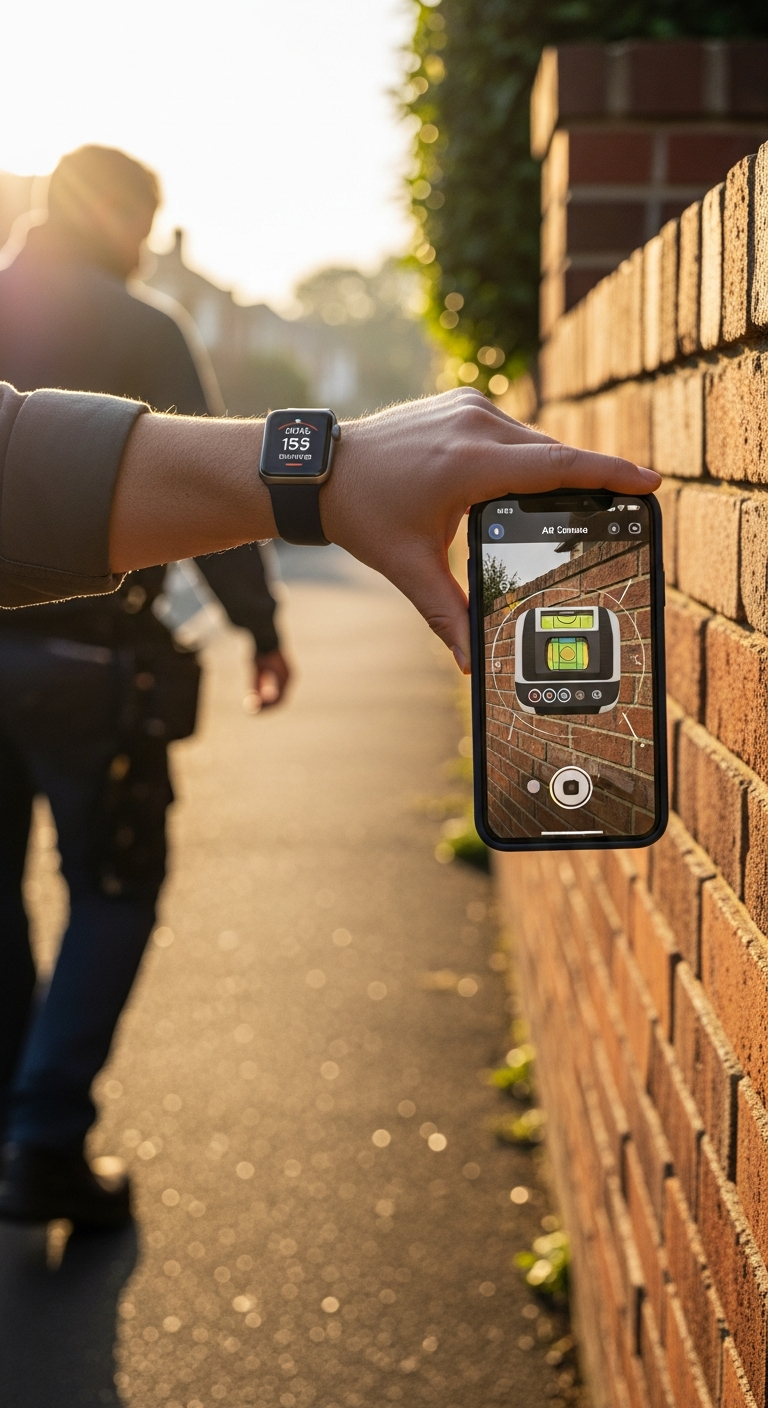
Most bubble level apps stop at the basics — a digital bubble on a plain background, maybe a degree readout. LevelPro goes several steps further, layering in two standout features that completely change how you interact with your measurements in the real world: AR Camera mode and native Apple Watch support.
AR Camera Mode: See Through Your Device
Imagine pointing your iPhone at a surface and watching the level overlay appear directly on top of what you're measuring — no guesswork, no mental translation between the screen and the real world. That's exactly what LevelPro's AR Camera mode delivers. By blending the live camera feed with the precision level interface, you get:
- Full spatial awareness — you see the actual surface, edge, or object beneath the digital overlay, making alignment intuitive and immediate
- Hands-free confidence — ideal for solo work where positioning the phone and reading it simultaneously would otherwise be awkward
- Job site clarity — the dark, neon-accented interface remains legible even when overlaid on bright or complex backgrounds
- Perfect for photography and video rigs — align a camera platform or tripod head with pinpoint precision before you ever press record
This is one of those features that sounds like a novelty until the first time you actually use it on a tricky install — and then it becomes indispensable.
Apple Watch Companion: Level Readings on Your Wrist
For builders, photographers, and engineers who work with both hands, LevelPro's Apple Watch integration solves a genuinely frustrating problem. Instead of craning your neck to read your phone while steadying a bracket or adjusting a shelf, the real-time measurement streams directly to your wrist. Practical benefits include:
- True hands-free operation — hold your material in place with both hands, glance at your Watch for the reading
- Real-time streaming — measurements update live, so you can make micro-adjustments without stopping
- Reduced errors — fewer awkward repositioning moments means fewer chances to bump your surface and skew the reading
- Professional efficiency — on active job sites, speed and accuracy together save real time and money
These two features alone place LevelPro in a different category from the average spirit level app. If you want to understand the full landscape of what separates professional-grade tools from generic alternatives, our guide to the best spirit level app for iPhone explores that comparison in depth.
The combination of AR Camera and Apple Watch support isn't just impressive on paper — it's a genuine workflow transformation for anyone who measures, builds, or shoots on a regular basis. When precision needs to keep up with the pace of professional work, these are the features that make the difference.
LevelPro Is the Best Bubble Level App for iPhone in 2025

When you stack up everything that matters in a precision measurement tool — accuracy, versatility, smart features, and design quality — LevelPro consistently comes out on top. It's not just the best bubble level app available for iPhone right now; it's a genuinely professional instrument that happens to live in your pocket.
Throughout this guide, we've covered the features that set LevelPro apart:
- Dual professional modes (Bullseye and Tubular) that handle every surface and orientation with equal confidence
- AR Camera mode that overlays live measurements directly on the real world, eliminating guesswork
- Apple Watch integration that streams real-time readings to your wrist for true hands-free operation
- Intelligent 2-step calibration that corrects for sensor bias and keeps your measurements trustworthy
- Target Angle mode with subtle haptic and audio feedback for locking in precise custom angles
- A refined dark interface that's as enjoyable to use as it is functional in the field
Whether you're a professional architect fine-tuning a structural install, a photographer leveling a camera rig on location, or a DIY enthusiast determined to hang that gallery wall perfectly — LevelPro is built for you. Its subscription model means every feature is always fully unlocked, continuously improved, and supported by a team that clearly cares about the craft of precision.
The best tools don't just do their job — they make you better at yours. LevelPro does exactly that, every single time you launch it. If you're ready to stop guessing and start measuring with real confidence, this is the app worth committing to.
😊 Download LevelPro today and feel the difference that genuine precision makes — on your very first use.
Looking to explore more about what makes a great digital level? Head over to our blog for in-depth comparisons, tips, and guides on the best measurement tools for iPhone users in 2025.
Frequently Asked Questions
What is the best bubble level app for iPhone?
LevelPro is widely regarded as the best bubble level app for iPhone and iPad, offering dual professional modes (Bullseye and Tubular), AR Camera view, Apple Watch integration, and an intelligent 2-step calibration system — all in a refined, dark-themed interface.
Is LevelPro accurate enough for professional use?
Yes. LevelPro features an intelligent 2-step calibration system that corrects for sensor bias, making it accurate enough for architects, engineers, photographers, and builders who demand precision in their work.
Does LevelPro work with Apple Watch?
Absolutely. LevelPro includes an Apple Watch companion app that streams real-time level measurements directly to your wrist, keeping your hands free while you work.
Can I use LevelPro to measure specific angles?
Yes. LevelPro's Target Angle mode lets you set a custom angle and receive subtle audio and haptic feedback when your surface matches that exact angle — perfect for precise tilts and slopes.
Is LevelPro free to use?
LevelPro operates on an active subscription model. All premium features — including AR Camera mode, Apple Watch support, Target Angle mode, and multiple measurement units — are available exclusively to subscribers.