
Looking for the best free bubble level app to get perfectly level surfaces every time? We've rounded up the top options for iPhone users — from basic tools to professional-grade instruments. Find out which app truly delivers precision, elegance, and reliability.
Why the Best Free Bubble Level App Can Make or Break Your Next Project
Whether you're hanging a picture frame, installing shelving, or aligning a camera rig on set, getting a perfectly level surface matters more than most people realize. A few degrees off can mean a crooked shelf, an uneven tile job, or a photograph that just doesn't look right — no matter how many times you crop it.
The good news? Your iPhone already has everything it needs to become a precision leveling instrument. The even better news: the best free bubble level app for iPhone is just a download away — and some of them are genuinely professional-grade tools.
In this guide, we've rounded up the top bubble level apps available for iPhone in 2025, comparing features, accuracy, and usability so you can find the right tool for your needs. Here's what we'll cover:
- Built-in options — what Apple already gives you (and where it falls short)
- Dedicated spirit level apps — purpose-built tools with advanced features
- What separates a good level app from a great one — calibration, modes, haptic feedback, and more
- Our top recommendation — a premium app that redefines what a digital level can do
Whether you're a weekend DIYer or a professional architect, there's a bubble level app on this list that will suit your workflow perfectly. Let's dive in.
1. Apple's Built-In Measure App — A Decent Starting Point, But Limited
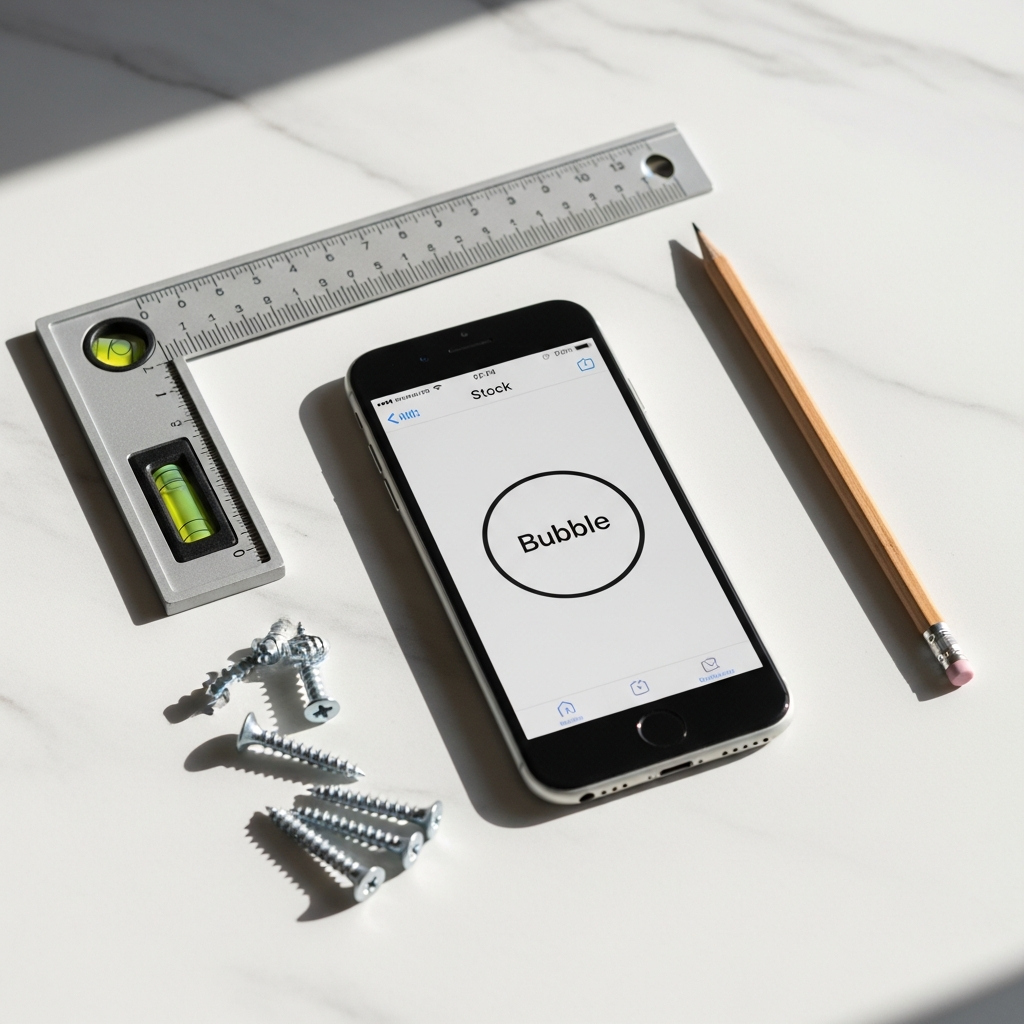
Before downloading anything, it's worth knowing that every iPhone already ships with a basic level tool built right in. The native Measure app, available since iOS 12, includes a simple bubble level that works for quick, casual tasks — think checking whether your laptop is sitting flat or confirming a tabletop is roughly even.
Here's what the built-in option gets right:
- Zero setup required — it's already on your phone
- Intuitive single-screen interface — clean and beginner-friendly
- Angle display — shows degrees in real time as you tilt the device
- Instant green highlight — the screen flashes when you hit true level
However, if you're serious about precision, you'll quickly run into its limitations:
- No calibration system — you can't correct for sensor drift or surface inconsistencies
- Single measurement mode only — no bullseye view for flat surfaces, no tubular mode for edges
- No target angle setting — you're stuck measuring zero degrees (true level) with no way to lock onto a custom angle
- No haptic or audio feedback — you have to watch the screen constantly
- No AR camera overlay — you can't see the actual surface beneath the device
- No Apple Watch support — readings stay on your phone only
For a quick DIY check, Apple's Measure app is perfectly fine. But for anyone doing professional construction work, photography setup, architectural alignment, or precise furniture installation, it falls noticeably short. The sensor data is there — the app just doesn't do enough with it.
This is exactly where dedicated spirit level apps step in and transform what your iPhone can actually do. If you're comparing options and want to go deeper on what separates these tools, our roundup of the best level tool apps for iPhone breaks down the key differences across categories.
The bottom line: Apple's built-in level is a free bubble level app baseline — useful, but not the best free bubble level app experience available by a long shot.
2. LevelPro — The Best Free Bubble Level App Experience Upgraded to Professional Grade
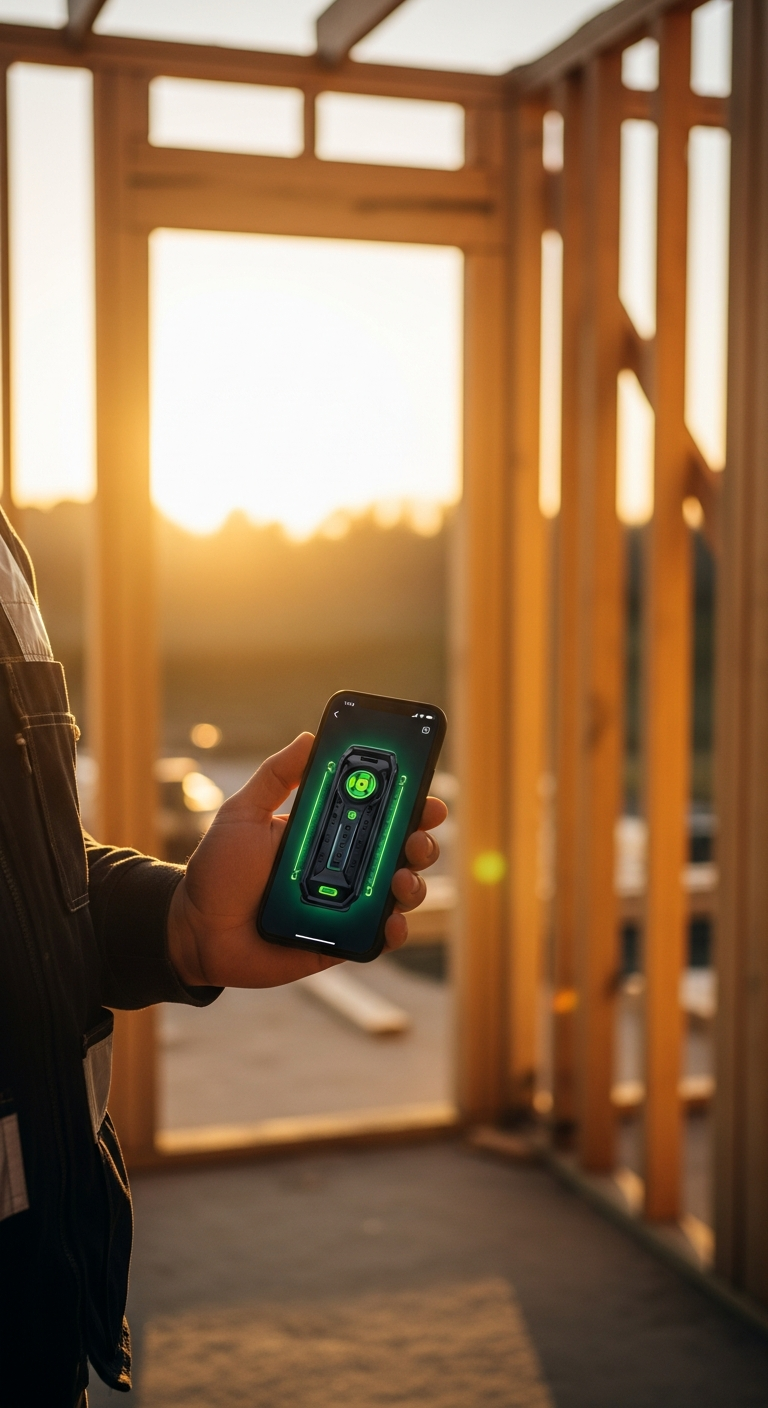
If Apple's built-in Measure app is the baseline, LevelPro is the ceiling — a meticulously crafted spirit level app that turns your iPhone into a genuinely professional measurement instrument. While it operates on a subscription model, the sheer depth of features it delivers makes it the standout choice when you're serious about precision.
What immediately sets LevelPro apart is its dual-mode system, giving you the right measurement view for every situation:
- Bullseye Mode — A circular bubble level perfect for checking flat surfaces like tabletops, camera platforms, and tile work. The large, high-contrast display makes it easy to read at a glance, even in bright outdoor light.
- Tubular Mode — A traditional horizontal spirit level view, ideal for walls, door frames, shelving edges, and any surface where you need left-to-right alignment.
But the modes are just the beginning. Here's what truly elevates LevelPro above every other free or paid bubble level app on the App Store:
- Intelligent 2-Step Calibration — Most apps skip this entirely. LevelPro's guided calibration process corrects for sensor drift, device case thickness, and surface inconsistencies, so your readings are accurate — not just approximate.
- AR Camera Mode — This is a genuine game-changer. Instead of staring at a virtual bubble, you see a live camera view of the actual surface beneath your device, with a level overlay on top. It's intuitive, visual, and dramatically reduces setup time on complex jobs.
- Target Angle Mode — Need to check a 30° slope or a 45° miter cut? Set your target angle and let subtle haptic and audio feedback guide you in — no screen-watching required.
- Hold Function — Freeze your current reading so you can step back and view it without disturbing the device. Ideal for awkward positions and overhead measurements.
- Apple Watch Companion — Real-time level readings on your wrist, so you can position a surface with both hands while glancing at your watch. A small detail that makes a massive practical difference on a job site.
- Multiple Measurement Units — Switch between degrees, percent grade, millimeters per meter, and more, depending on your trade or project requirements.
- Sophisticated Dark UI with Neon Accents — This isn't just about aesthetics. The high-contrast dark interface is genuinely easier to read in variable lighting conditions, whether you're working in a dim basement or a sun-drenched construction site.
LevelPro is thoughtfully designed for the people who need it most: architects, engineers, photographers, interior designers, and builders who treat their tools as an investment rather than an afterthought. If you're comparing options in the wider landscape of precision apps, the best spirit level app guide for iPhone offers a broader look at how dedicated tools stack up.
The result is an app that doesn't just tell you whether something is level — it gives you the confidence that the measurement is right, every single time.
The Best Free Bubble Level App for iPhone: Final Verdict
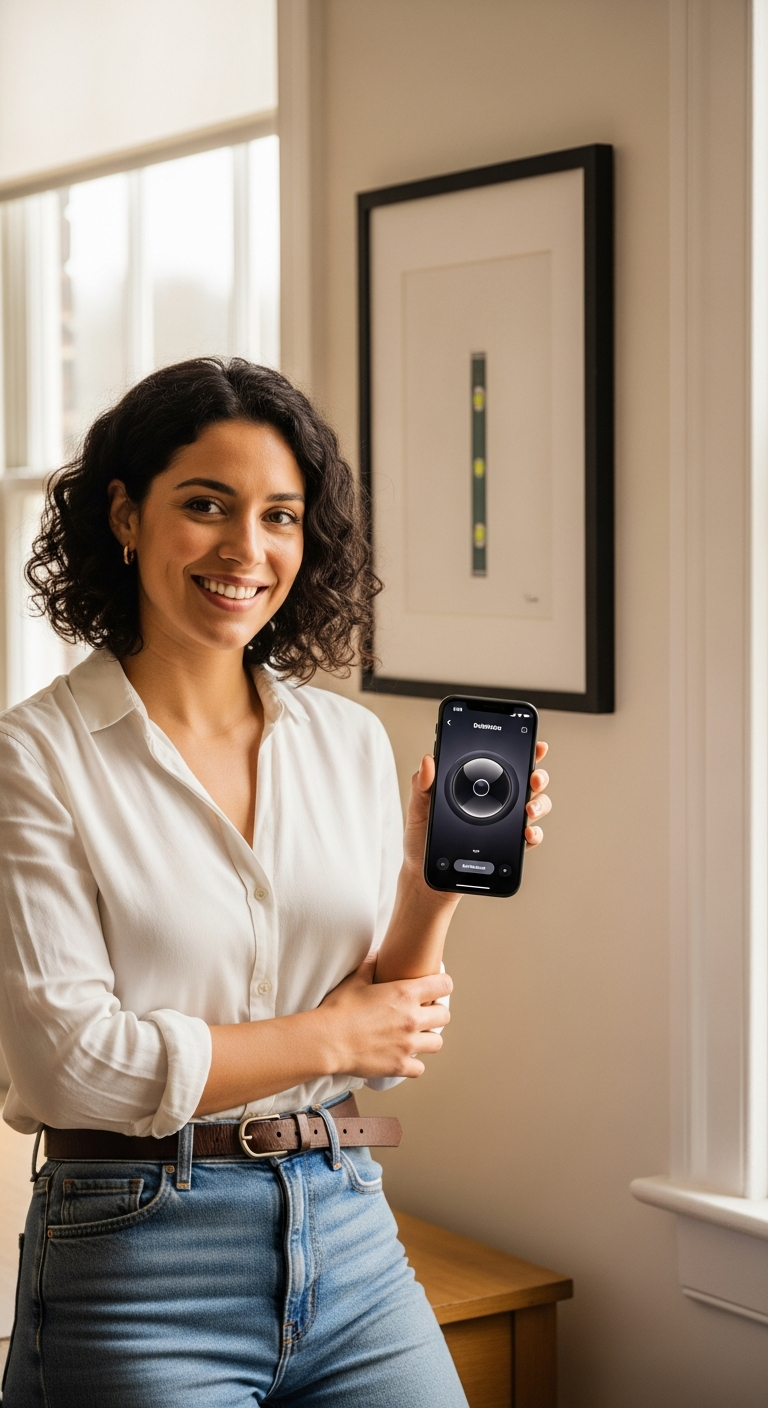
Finding the best free bubble level app for your iPhone doesn't have to be complicated — but the right choice does depend on how seriously you take precision.
If you need a quick, no-frills check to see whether a surface is roughly flat, Apple's built-in Measure app will get the job done in a pinch. It costs nothing, requires no setup, and is already sitting on your device. But the moment your project demands real accuracy — a cabinet installation, a camera rig setup, a professional tiling job — its limitations become impossible to ignore.
That's where LevelPro steps into an entirely different league. With its dual professional modes, intelligent 2-step calibration, AR Camera overlay, Apple Watch companion, and target angle feedback, it's not just the best bubble level app experience on the App Store — it's a genuinely professional instrument that happens to live in your pocket.
Here's a quick summary of what we covered:
- Apple Measure App — Free, built-in, and good enough for casual use, but lacks calibration, modes, and advanced feedback
- LevelPro — Feature-rich, beautifully designed, and built for professionals who refuse to compromise on accuracy
The bottom line? If you care about getting it right the first time — whether you're a seasoned builder or a detail-oriented DIYer — LevelPro is the clear choice. Precision tools deserve a precise app, and this one delivers on every count.
Smiling face or not, there's a quiet satisfaction in seeing that bubble sit perfectly centered, knowing the measurement behind it is one you can trust. That confidence is what separates a great tool from a forgettable one.
Ready to explore more of the best leveling tools available for Apple devices? Check out our complete guide to the best free level apps for iPhone for a broader look at everything available in 2025, or visit the LevelPro home page to see the app in action and get started today.
Frequently Asked Questions
What is the best free bubble level app for iPhone?
Several great options exist, including Apple's built-in Measure app and dedicated tools like LevelPro. LevelPro offers advanced features like AR Camera mode, Apple Watch support, and dual professional modes that go far beyond a basic free level app.
Is there a bubble level built into iPhone?
Yes, iPhones include a basic level tool inside the Measure app. However, it lacks professional features like calibration, target angle setting, haptic feedback, and AR camera overlay that apps like LevelPro provide.
What features should I look for in a bubble level app?
Look for dual measurement modes (bullseye and tubular), intelligent calibration, support for multiple units, haptic and audio feedback, and extras like AR camera view or Apple Watch integration for truly professional results.
Can I use a bubble level app for professional work?
Absolutely. Apps like LevelPro are designed for architects, engineers, photographers, and builders who need accurate, reliable measurements. Its 2-step calibration system and Hold function make it suitable for demanding professional environments.
Does LevelPro work on iPad?
Yes, LevelPro is compatible with both iPhone and iPad, making it a versatile spirit level tool for any Apple device. It also pairs with Apple Watch for real-time wrist-based readings.