
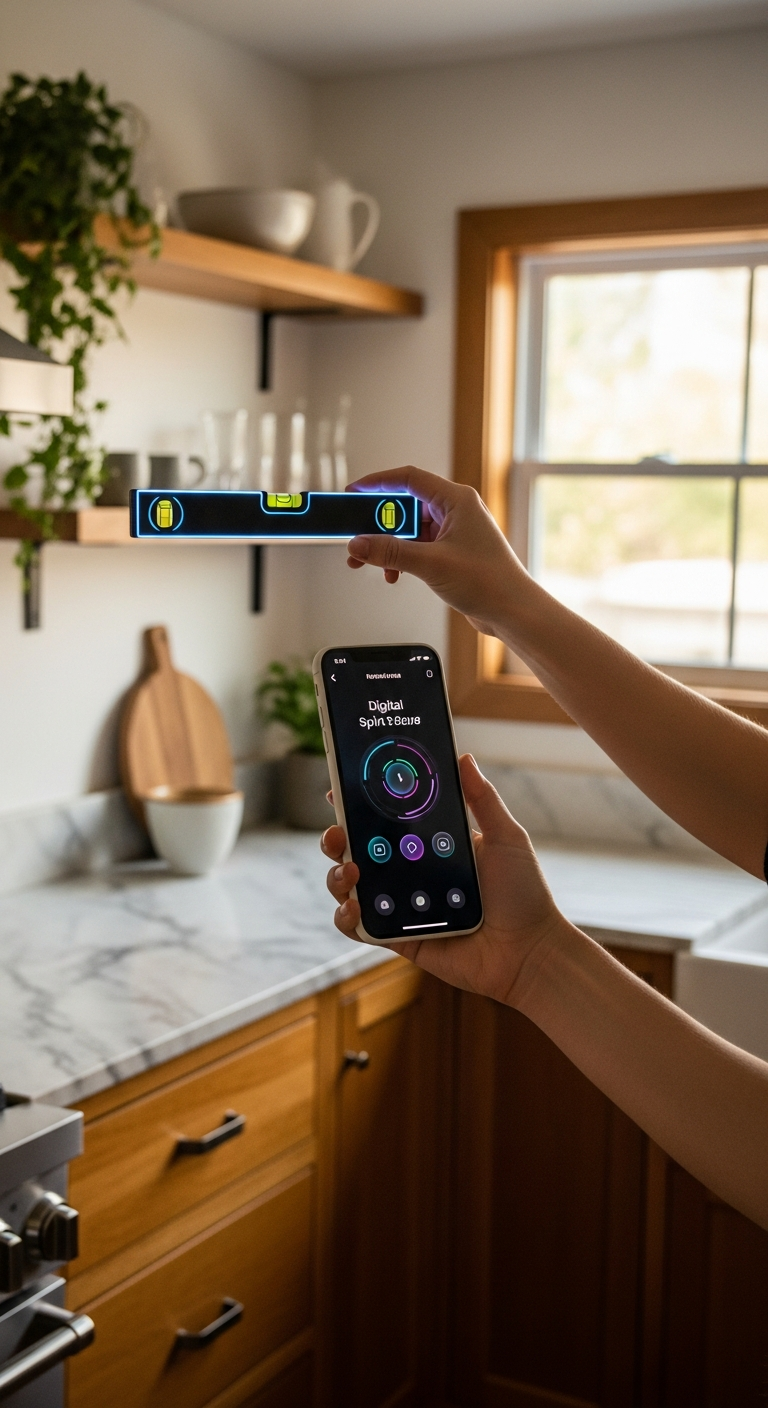
Not all level apps are created equal — and finding the best free level app for iPhone can make a real difference on the job. We've rounded up the top options so you can measure with confidence, whether you're hanging art or building furniture.
Why Finding the Best Free Level App for iPhone Actually Matters
You'd be surprised how often a slightly crooked shelf or an off-kilter picture frame comes down to one thing: not having the right tool at the right moment. Your iPhone is already in your pocket — so why not make it the most precise measuring instrument on the job?
The best free level app for iPhone can replace a bulky physical spirit level, give you real-time angle readings, and even connect to your Apple Watch while your hands are busy. But with dozens of options on the App Store, it's not always easy to know which ones actually deliver.
Here's what separates a truly useful level app from one that just looks the part:
- Accuracy you can trust — reliable readings backed by smart calibration, not just raw sensor data
- Multiple measurement modes — both flat surface (bullseye) and edge-based (tubular) measurements for different tasks
- Helpful extras — features like AR camera view, haptic feedback, and target angle settings that make real-world use smoother
- Clean, readable design — especially important when you're squinting at your screen on a bright job site or in a dimly lit room
- Seamless device integration — Apple Watch support, unit flexibility, and smooth iOS performance
Whether you're a professional architect leveling equipment on-site, a photographer aligning a camera rig, or simply hanging art in your living room, the right app makes a measurable difference. In this guide, we've rounded up the top free level apps for iPhone in 2025 — so you can skip the guesswork and get straight to precision.
1. LevelPro — The Best Free Level App for iPhone Overall
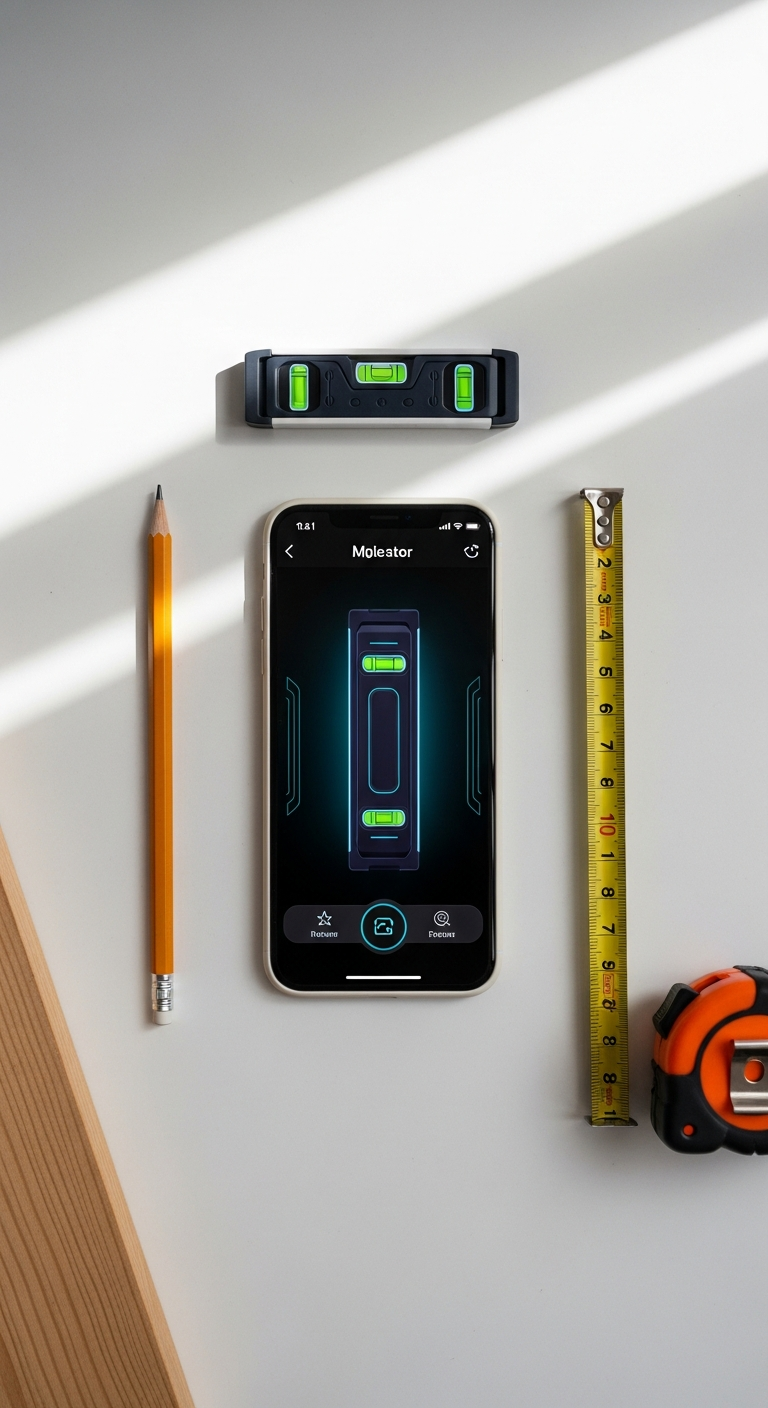
When it comes to finding the best free level app for iPhone, LevelPro consistently rises to the top — and for good reason. It's the rare app that manages to feel both professional and effortless, wrapping serious measurement capability in a beautifully refined dark interface with neon accents.
What sets LevelPro apart from the crowded field of digital level tools isn't any single feature — it's how thoughtfully every feature works together. From the moment you open the app, it's clear this was built for people who actually rely on their tools.
Key features that make LevelPro stand out:
- Bullseye Mode — Perfect for checking flat surfaces like countertops, appliances, or camera platforms. The circular bubble display gives you an immediate, intuitive read at a glance.
- Tubular Mode — Designed for edges, walls, and frames, this mode mirrors a traditional spirit level and is ideal for hanging shelves, doors, or structural work.
- Intelligent 2-Step Calibration — Unlike apps that rely blindly on raw sensor data, LevelPro's calibration system corrects for device variance, giving you readings you can actually trust on the job.
- AR Camera Mode — See the real surface directly through your camera while the level overlay sits on top. It's a game-changer for tight spaces or overhead work where placing the phone flat isn't practical.
- Apple Watch Companion — Real-time measurements beamed straight to your wrist. If you've ever tried to balance a long shelf while craning your neck to check your phone, you'll immediately understand why this matters.
- Target Angle Mode — Set a specific angle and receive subtle haptic and audio feedback when you hit it. Great for repeatable cuts, tilted fixtures, or camera rigs.
- Hold Function — Freeze a reading the moment you need it, even if you have to reposition the device.
- Multiple Measurement Units — Switch between degrees, percent slope, and more depending on your workflow.
If you're serious about leveling — whether you're an architect, a builder, a photographer, or just someone who wants their picture frames perfectly straight — LevelPro is genuinely hard to beat. It's also worth exploring our breakdown of the best level tool app for iPhone if you want a deeper look at how professional apps compare across the board.
Pro Tip: Use LevelPro's Hold function when working in awkward positions — place the device, lock the reading, then step back and check it without disturbing your work surface.
What to Look for in the Best Free Level App for iPhone
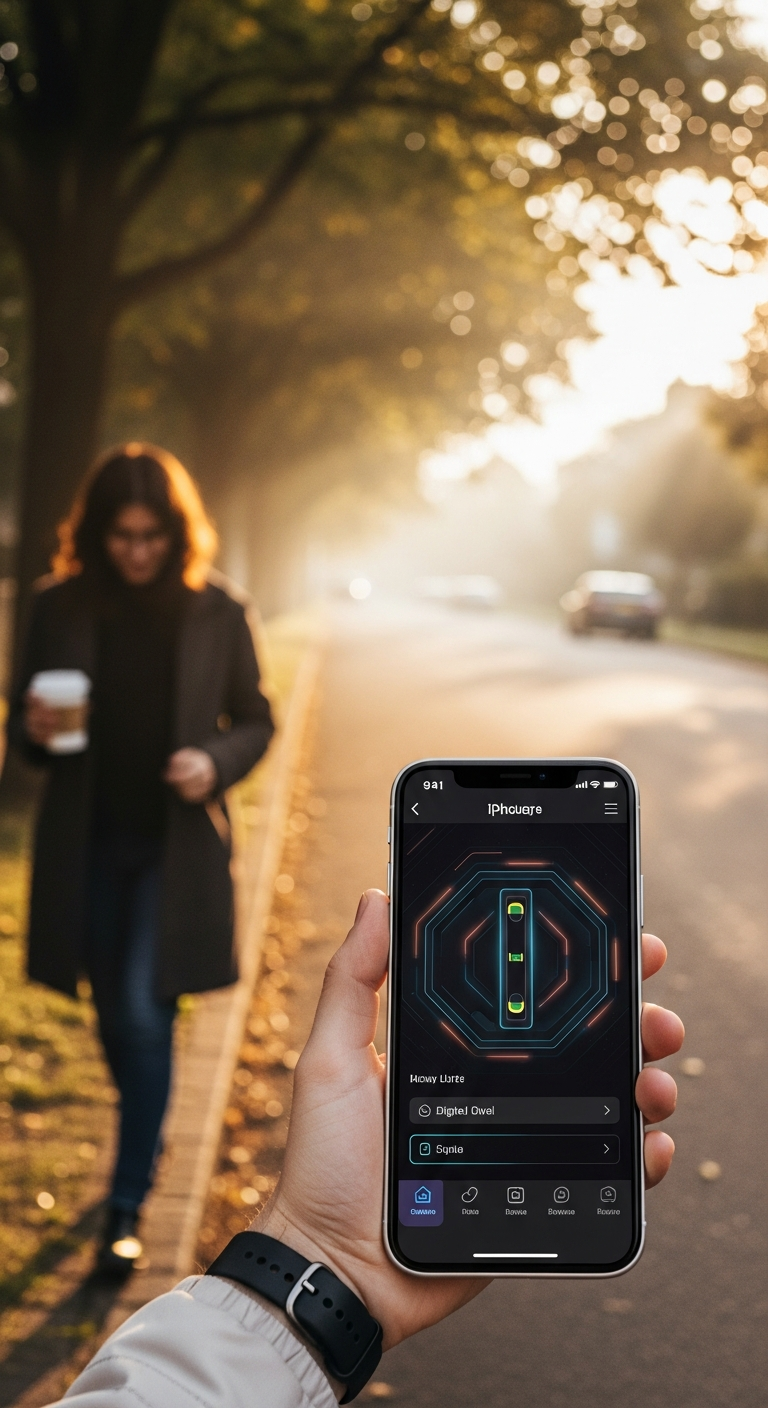
Not every level app deserves a spot on your home screen. Before you download the first result that appears in the App Store, it's worth knowing what actually separates a high-quality digital level from one that'll leave you second-guessing your measurements halfway through a project.
Thinking about it like a morning walk helps — the right tool should feel effortless and reliable from the moment you pick it up, not something you have to wrestle with before it does its job.
The essential features to evaluate:
- Calibration quality — Raw sensor data from your iPhone's accelerometer can drift. A proper calibration system (like the intelligent 2-step process in LevelPro) corrects for device-specific variance and gives you readings you can stake professional results on.
- Multiple measurement modes — A bullseye display works brilliantly for flat surfaces like countertops and tripod platforms; a tubular (edge-based) view is essential for walls, door frames, and shelving. The best free level app for iPhone should offer both without compromise.
- AR Camera integration — The ability to see a live camera feed beneath your level overlay is transformative for overhead tasks or awkward angles where placing your phone flat simply isn't an option.
- Target angle and hold functions — If you're making repeatable cuts, installing tilted fixtures, or working solo, these features move from 'nice to have' to genuinely indispensable.
- Unit flexibility — Degrees, percent slope, and millimeters per meter all serve different professional contexts. An app that locks you into one unit system can create friction on a real job site.
- Apple Watch support — Checking your wrist instead of your phone when both hands are occupied isn't a luxury; on an active job site, it's a real safety and efficiency advantage.
- Interface clarity — A clean, high-contrast display — think bold neon accents on a dark background — is far more readable in bright outdoor light or a poorly lit interior than a washed-out white UI.
Why free doesn't have to mean basic:
The good news is that premium-level functionality is genuinely accessible in today's App Store landscape. Apps built by dedicated teams — rather than rushed out as feature-lite fillers — deliver accuracy and polish that would once have cost a significant upfront price. If you want to explore how the top contenders stack up in terms of overall design and reliability, our roundup of the best spirit level app for iPhone offers a useful side-by-side perspective.
The bottom line: when you're evaluating any level app, don't just check whether it displays an angle. Ask whether it does so reliably, readably, and in every situation you'll actually encounter on the job.
Find Your Perfect Level App and Start Building with Confidence
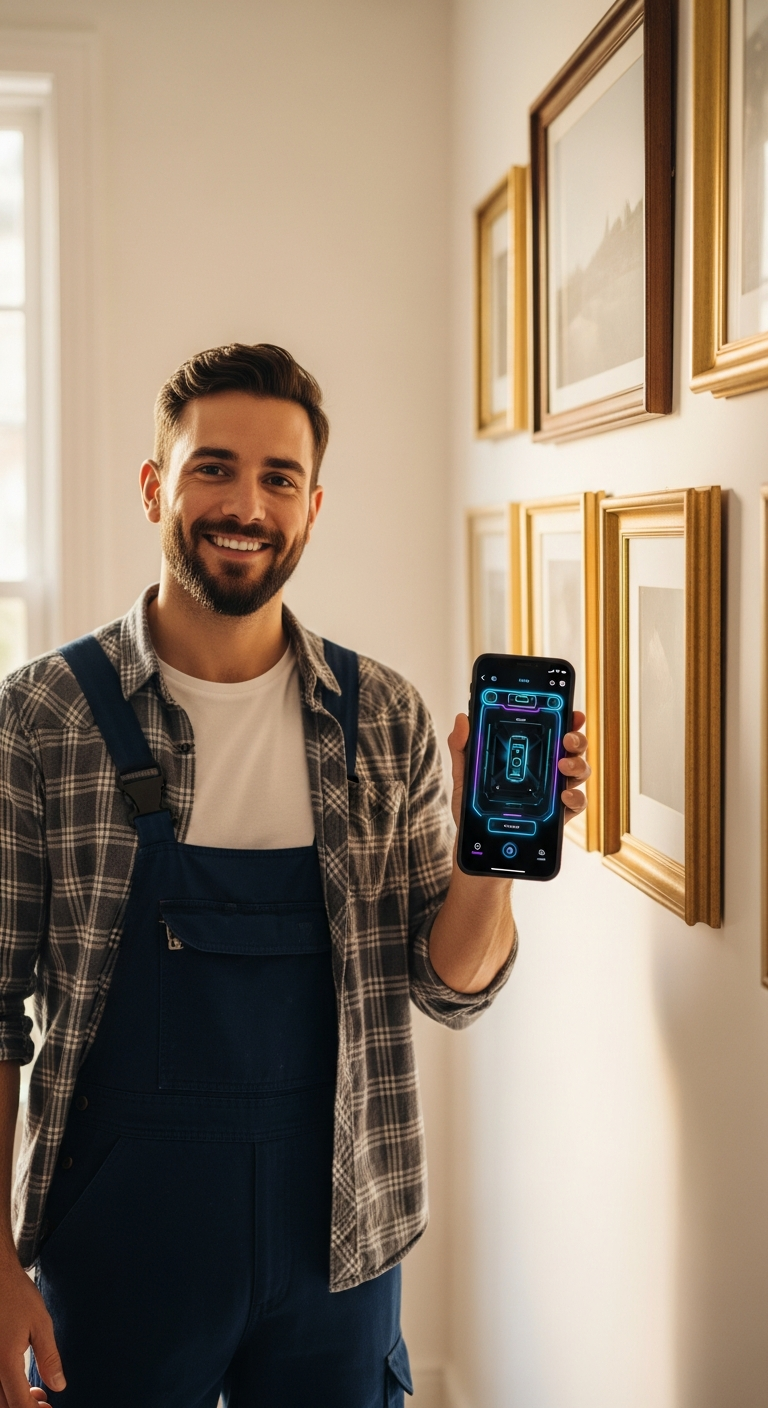
Choosing the best free level app for iPhone doesn't have to be complicated. As we've explored throughout this guide, the difference between a basic digital bubble tool and a genuinely professional-grade app comes down to the details — calibration quality, measurement modes, AR integration, and the kind of thoughtful design that makes a tool feel like a natural extension of your workflow.
For most users, LevelPro delivers everything you could ask for in a free level app and then some. Whether you're aligning a camera rig for a shoot, leveling a new kitchen appliance, hanging shelves, or tackling structural work on a job site, it has the right mode, the right feedback, and the right accuracy for the task at hand. The Apple Watch companion alone is worth the download if you regularly work with both hands occupied.
Here's a quick recap of what to keep in mind as you choose:
- Prioritize calibration — an uncalibrated reading is worse than no reading at all
- Look for both bullseye and tubular modes — different tasks genuinely demand different displays
- AR Camera mode matters — especially for overhead or hard-to-reach surfaces
- Apple Watch support is a genuine productivity advantage on active job sites
- Clean, high-contrast UI makes all the difference when working in challenging lighting conditions
The right app won't just save you time — it'll give you the confidence to work precisely, every single time. If you're still exploring your options, our guide to the best bubble level app for iPhone is a great companion resource that digs into how different visual display styles suit different kinds of work.
Whatever your project, your iPhone is already one of the most powerful tools in your pocket. Pair it with the right level app, and there's very little you can't measure with complete confidence. 😊
Frequently Asked Questions
What is the best free level app for iPhone?
There are several strong options, but the best free level app for iPhone depends on your needs. Apps like LevelPro stand out for their professional-grade features, including bullseye and tubular modes, AR camera view, and Apple Watch support — making them ideal for both casual and professional use.
Are free iPhone level apps accurate enough for professional use?
Many free level apps offer surprising accuracy, especially when paired with a calibration system. LevelPro's intelligent 2-step calibration ensures readings are precise enough for architects, engineers, and builders.
Can I use a level app on my Apple Watch?
Yes — LevelPro includes an Apple Watch companion app that displays real-time measurements directly on your wrist, which is incredibly handy when your hands are full on a job site.
What features should I look for in a level app for iPhone?
Look for multiple measurement modes (bullseye and tubular), calibration tools, unit support, haptic feedback, and extras like AR camera mode or target angle settings. These features separate professional-grade apps from basic built-in tools.