
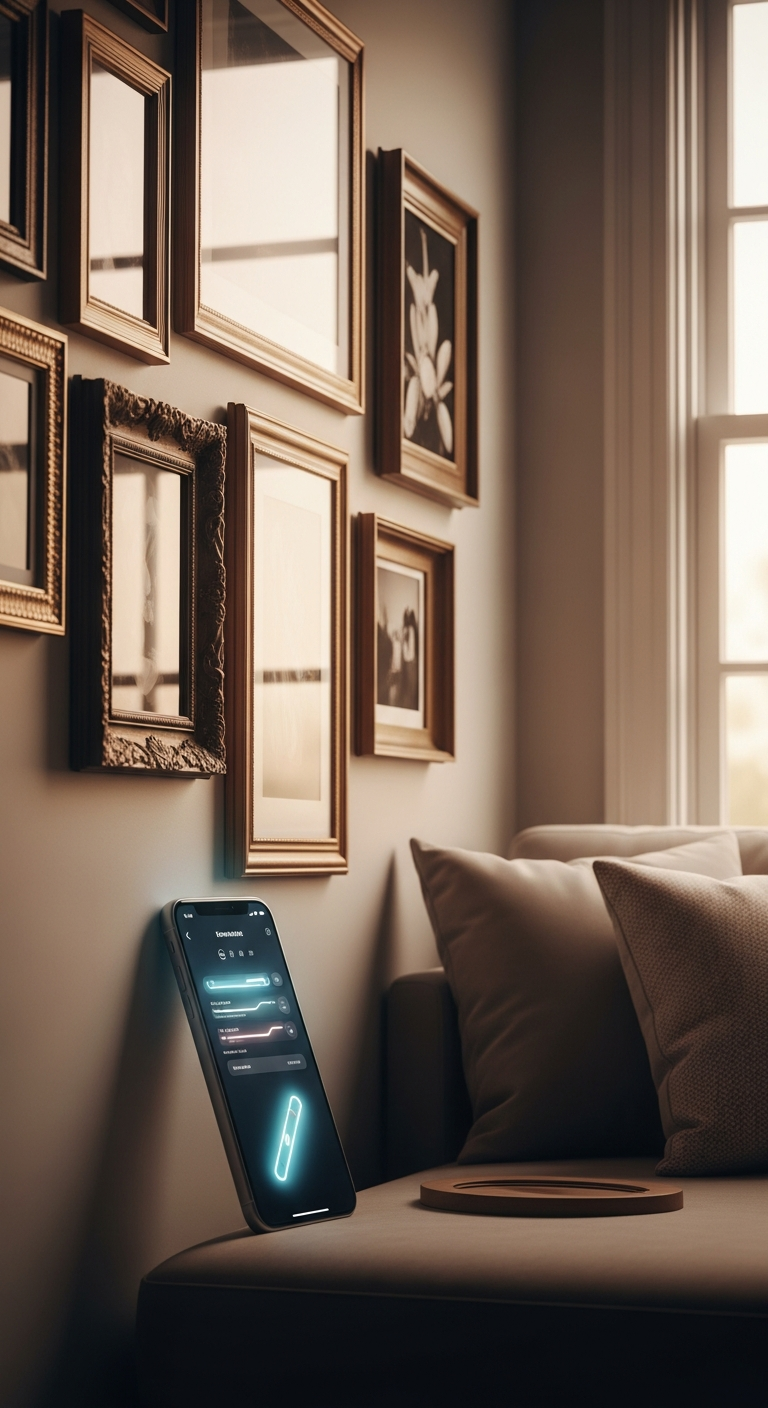
The best level app for hanging pictures is one that offers a reliable tubular level mode, haptic feedback for hands-free alignment, and easy calibration. LevelPro on iPhone checks all of these boxes with a polished, professional interface.
Hanging pictures well takes more than a generic compass app. You need a dedicated level tool with edge-detection (tubular) mode, precise angle readouts, and ideally haptic or audio cues so you can adjust the frame without constantly staring at your screen. LevelPro for iPhone combines a professional Tubular mode, intelligent 2-step calibration, a Target Angle feature with haptic feedback, and an AR Camera mode that shows the real surface beneath the device, making it a capable and well-designed solution for getting every frame perfectly straight.
Why You Need the Best Level App for Hanging Pictures
There's a particular frustration that comes with stepping back to look at a newly hung picture frame, only to realize it's tilted just enough to bother you. You adjust it. You step back again. Still off.
Hanging pictures straight is one of those tasks that sounds simple but rarely goes smoothly without the right tool. Traditional bubble levels are bulky, easy to misread, and hard to use hands-free. The stock Measure app on your iPhone does the bare minimum. What you actually need is a dedicated level app built for precision — and in 2025, the options have improved considerably.
A genuinely useful level app does more than show you an angle. Look for these essentials:
- Tubular (edge) mode — reads tilt along a single axis so you can rest your phone along the top of a frame for a clean, accurate reading
- Haptic and audio feedback — alerts you the moment the frame hits level, so you can keep both hands on the artwork instead of staring at your screen
- Intelligent calibration — ensures your readings are reliable from the start
- AR Camera mode — shows the real surface beneath your device, useful when walls are subtly uneven
- A clear, readable interface — because squinting at a cluttered screen while balancing a frame helps no one
Below, we break down the top features that separate a good level app from a mediocre one, walk through how to use one to hang pictures accurately, and explain why LevelPro for iPhone stands out in 2025. Whether you're decorating a new home or finally sorting that gallery wall you've been putting off, this is the tool that makes it manageable.
1. Tubular Mode: The Most Important Feature for Straight Frames
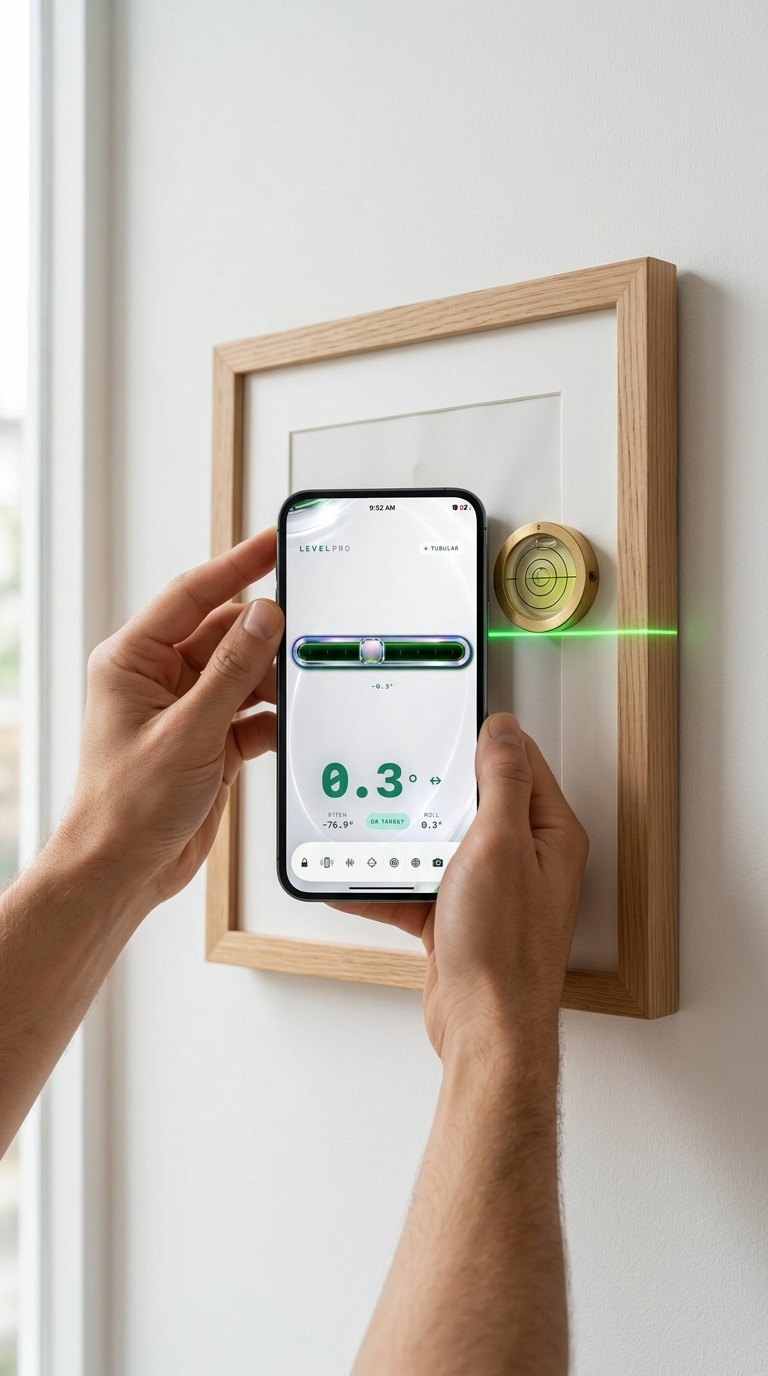
If there's one feature that separates a genuinely useful level app from a basic one, it's Tubular mode — and it's the single most important thing to look for when choosing the best level app for hanging pictures.
Here's why it matters: most level apps default to a Bullseye (flat surface) mode, which reads tilt across two axes simultaneously. That's appropriate for tabletops and shelves, but wrong for picture frames. Resting your phone along the top edge of a frame means you only need to measure tilt along one axis — left to right. Tubular mode does exactly that, giving you a clean, unambiguous readout that's easy to act on while your hands are holding the frame in place.
With LevelPro's Tubular mode, the workflow is straightforward:
- Rest your iPhone along the top edge of the frame — no guesswork about phone positioning
- Watch the single-axis display move toward zero as you adjust the frame left or right
- Get an immediate visual confirmation the moment you hit level
- Combine with haptic feedback so you feel the confirmation without taking your eyes off the wall
The difference between a general-purpose level and one with Tubular mode becomes clear the first time you use it on a real frame. There's no second-guessing — just a precise angle reading that updates in real time as you make small adjustments.
For a broader comparison, our breakdown of the best spirit level app for iPhone covers the full range of choices, and Tubular mode consistently comes up as the must-have feature for serious use.
One practical note: before placing your phone on the frame, complete LevelPro's 2-step calibration. Even a small sensor offset can affect readings by a degree or two — minor in isolation, but visible once you step back. A properly calibrated Tubular mode is accurate to within 0.1–0.3 degrees on a modern iPhone, which is more precise than most physical bubble levels.
2. Haptic Feedback and Target Angle: Hang Pictures Without Looking at Your Screen
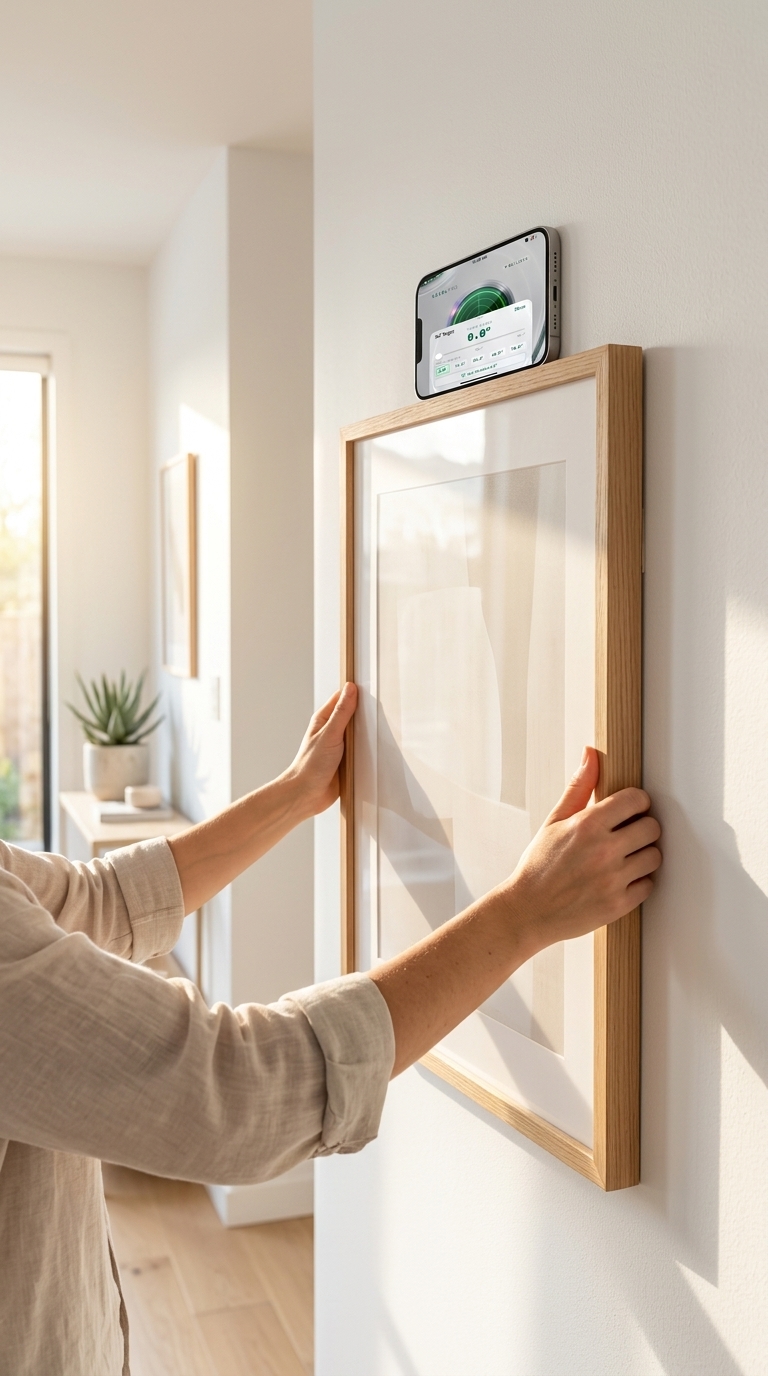
Here's a scenario every home decorator knows: you're holding a heavy frame against the wall with both hands, trying to keep it steady while glancing down at your phone balanced on top of the frame. Something always gives — either the frame shifts, or you misread the angle, or both.
The practical fix is haptic and audio feedback combined with Target Angle mode. That combination is what makes the best level app for hanging pictures genuinely hands-free.
How Target Angle Mode Works in Practice
With LevelPro's Target Angle feature, you set your desired angle before picking up the frame. For most situations, that's 0.0 degrees — perfectly level. But it's equally useful if you're intentionally hanging a piece at a slight angle, or working with a wall that isn't quite plumb.
Once your target is set:
- Haptic pulses guide you in — the feedback intensifies as you approach the target angle, so your hands register the progress even when your eyes can't
- A distinct confirmation vibration fires the moment you reach your exact target
- Audio cues layer on top for noisy environments or when the phone is out of direct sight
- The display locks with a visual indicator so there's no doubt you've landed where you need to be
All of this matters in real-world hanging situations. A picture frame isn't a passive object — it shifts, the wire stretches, nail position matters. Feeling the level point rather than seeing it means you can keep both hands on the frame steady right up until you press it against the wall.
Setting Up Target Angle in LevelPro
The process is simple:
For broader DIY applications beyond picture hanging, the best level tool app for iPhone covers how Target Angle and similar features apply to shelving, furniture assembly, and cabinet installation.
Why This Feature Matters
Many free level apps display an angle readout and stop there. No feedback, no target setting, no confirmation signal. That forces a constant eyes-on-screen workflow that's incompatible with the physical reality of hanging pictures. Sensory confirmation — not just a number to read — is what separates a professional tool from a basic one.
LevelPro's haptic feedback is tuned to feel purposeful: subtle enough not to startle, clear enough to act on. It's the kind of detail that shows up in tools built by people who've actually used a level.
The Best Level App for Hanging Pictures: Final Verdict

Getting a picture frame straight used to mean multiple attempts, a drawer full of mismatched tools, and a fair amount of frustration. In 2025, there's a practical solution sitting in your pocket.
A genuinely useful level app for hanging pictures isn't just any app with an angle readout — it's a precision tool that works with you through the entire process. Tubular mode gives you single-axis accuracy along the frame edge. Haptic and audio feedback from Target Angle mode free up both hands when it matters most. Intelligent 2-step calibration means every reading you act on is actually reliable. And AR Camera mode shows what's really happening beneath your device, even on walls that aren't perfectly flat.
LevelPro checks every one of those boxes, presenting them in a clear, professional interface that feels considered rather than thrown together. Whether you're hanging one statement piece or building out a gallery wall, it brings a level of confidence to the process that no bubble level or stock app can match.
Here's a quick summary of what makes LevelPro stand out:
- ✅ Tubular mode — single-axis precision for frame edge alignment
- ✅ Target Angle with haptic feedback — hands-free confirmation at the right moment
- ✅ 2-step calibration — reliable readings from the first measurement
- ✅ AR Camera mode — see through the device to the real surface below
- ✅ Apple Watch companion — monitor readings from your wrist while adjusting
- ✅ Dark UI with neon accents — readable at a glance, even in bright rooms
Still comparing options or curious how LevelPro handles different tasks? Our guide to the best bubble level app for iPhone covers surface leveling and shelf installation. If cost is a factor, the best free level app for iPhone breaks down what's available without a subscription.
For hanging pictures right the first time, though, LevelPro is worth a look. Download it from the App Store, activate your subscription, and stop rehanging frames.
Why LevelPro Is the Best Level App for Hanging Pictures
LevelPro was built for people who care about precision — and that includes anyone tired of rehanging a frame three times before getting it right. Its Tubular mode reads tilt along a single edge, ideal for resting your iPhone along the top of a frame. Target Angle with haptic and audio feedback means you'll feel the moment your frame hits level, so you can keep both hands on the artwork. The 2-step calibration system ensures your readings are accurate from the first measurement, while AR Camera mode lets you see the real surface beneath the device — useful when placing frames on uneven walls. With Apple Watch support, you can monitor the reading from your wrist while adjusting the frame. LevelPro requires an active subscription, giving you access to all professional features across iPhone and iPad.
Ready to Hang Every Picture Perfectly?
Download LevelPro from the App Store and start your subscription to access all professional modes, including Tubular level, Target Angle with haptic feedback, AR Camera view, and Apple Watch support.
Frequently Asked Questions
Can I use my iPhone as a level for hanging pictures?
Yes — modern iPhones have built-in accelerometers that dedicated level apps use to deliver accurate readings. A quality app like LevelPro adds calibration, haptic feedback, and multiple modes to make the process far more reliable than the stock Measure app.
What level mode should I use for hanging a picture frame?
Use Tubular (edge) mode when placing your phone along the top edge of a frame. It reads tilt along a single axis, which is exactly what you need for horizontal alignment.
How accurate are phone level apps for hanging pictures?
A well-calibrated level app on a modern iPhone can be accurate to within 0.1–0.3 degrees, which is more than sufficient for hanging artwork straight. Calibration is key — apps like LevelPro include a 2-step calibration system to ensure reliable readings.
Does LevelPro work on iPad as well as iPhone?
Yes, LevelPro is designed for both iPhone and iPad, and also includes an Apple Watch companion app for real-time measurements on your wrist.
What is Target Angle mode and why is it useful for hanging pictures?
Target Angle mode lets you set a specific degree value as your goal. When your device reaches that angle, the app delivers audio and haptic feedback — useful for hanging pictures at an intentional tilt, or for achieving a perfectly level frame without constantly watching the screen.