
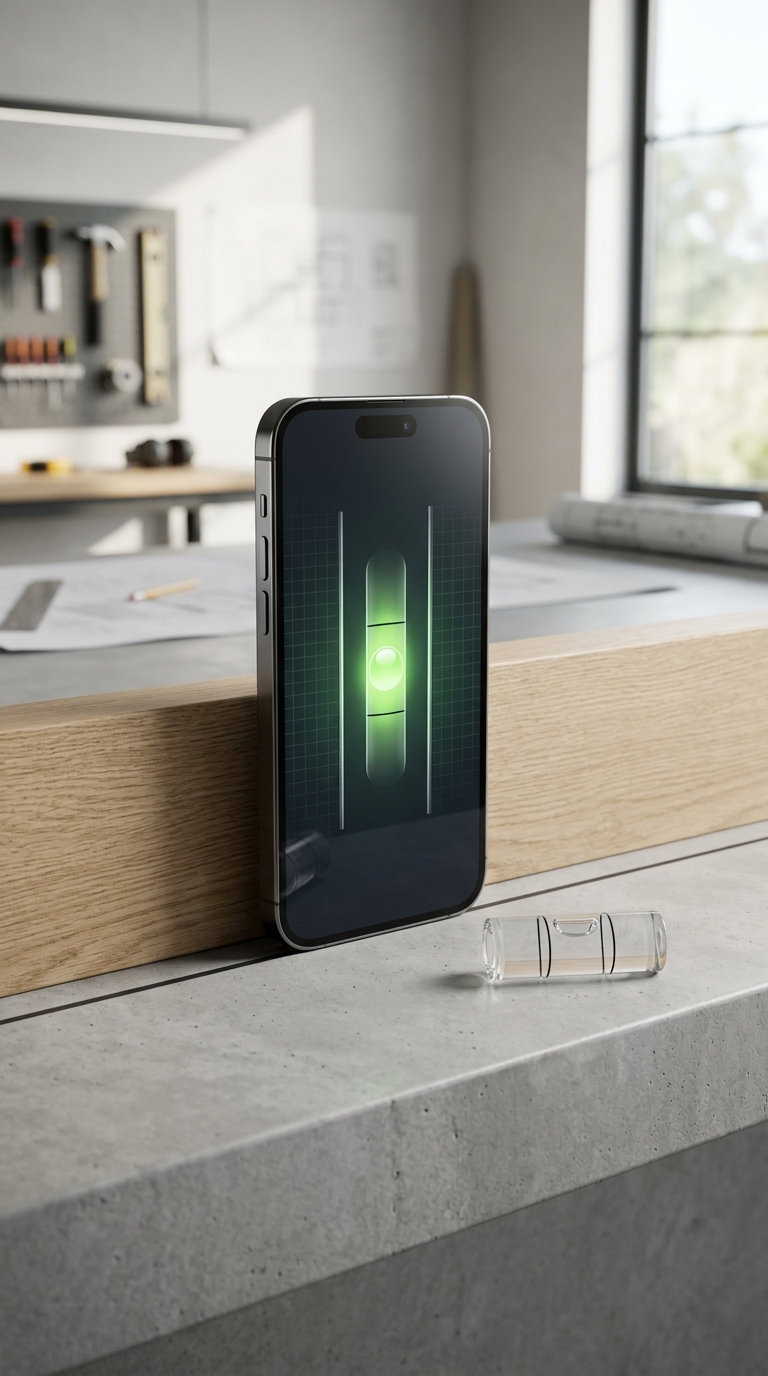
Most bubble level apps are accurate to within 0.5–1 degree when the device is properly calibrated and placed on a clean, flat surface. High-quality apps with built-in calibration can achieve accuracy closer to 0.1–0.3 degrees, comparable to a mid-range physical level.
Bubble level apps use the iPhone or Android accelerometer and gyroscope to measure tilt angles against gravity. Accuracy typically ranges from 0.5° to 1° for uncalibrated apps, but premium apps with a two-step calibration system can narrow that margin to 0.1°–0.3° — matching or exceeding many traditional spirit levels. Factors like device case thickness, surface contamination, temperature, and sensor drift all affect real-world readings, which is why calibration and app quality matter far more than the hardware alone.
How Accurate Is a Bubble Level App? Here's What You Need to Know
Ever held your phone against a shelf or cabinet and wondered "can I actually trust this reading?" You're not alone. The question of how accurate is a bubble level app is one of the most searched queries among DIYers, builders, photographers, and engineers who've switched from traditional spirit levels to their smartphones.
Short answer: surprisingly accurate — but it depends on a few critical factors.
Modern iPhones and high-end Android devices pack sophisticated accelerometers and gyroscopes that can detect tilt to fractions of a degree. In theory, the hardware is more than capable of professional-grade measurement. In practice, the gap between a mediocre free app and a purpose-built tool like LevelPro can mean the difference between a reading you can stake your project on and one that quietly misleads you.
Here's what this guide covers:
- How bubble level apps actually work (the sensor science behind the reading)
- Real-world accuracy benchmarks — what numbers to expect
- What kills accuracy — and what fixes it
- When a phone level is sufficient and when you need dedicated hardware
Whether you're hanging a gallery wall or leveling a camera rig on location, understanding the true capabilities and limits of your phone's level app will help you work with more confidence.
Calibration Is the Single Most Important Factor in Bubble Level App Accuracy
When people ask how accurate is a bubble level app, they're usually thinking about hardware: the sensors, the chipset, the phone manufacturer. But calibration matters more than any of that.
Even the most advanced accelerometer will deliver skewed readings if it hasn't been zeroed against a known reference. Every sensor carries a small amount of inherent bias — a built-in tilt that exists even when the device is perfectly flat. Without calibration, that bias gets baked directly into every reading the app produces. You might be consistently off by 0.3°, 0.5°, or more, and never know it.
What Does Calibration Actually Do?
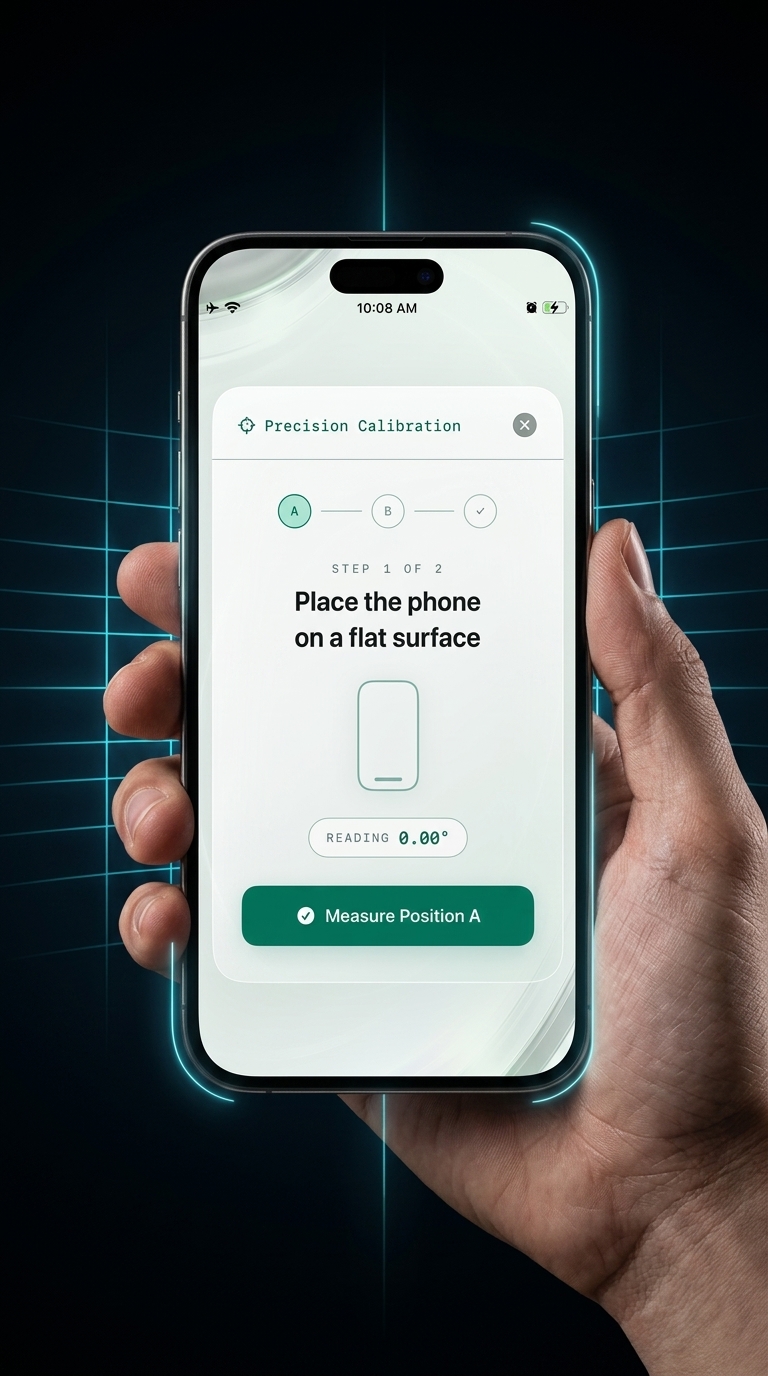
Calibration removes systematic error by recording the sensor's "zero point" on a surface you know is level. From that point on, all readings are relative to that reference, not to whatever factory defaults shipped inside your phone. A proper two-step calibration process:
- Eliminates sensor bias introduced by manufacturing variation
- Compensates for phone case tilt, which can add a consistent offset if your case sits unevenly
- Corrects for temperature drift, since accelerometers can shift slightly as the device warms up during use
- Accounts for chassis variation, particularly on older devices where the body may have minor warping
The practical difference is significant. An uncalibrated app may carry ±0.5°–1.0° of error as a floor. A properly calibrated app using the same hardware can close that gap to ±0.1°–0.3°, matching or outperforming a decent analog spirit level.
How to Verify Your App Is Actually Accurate
There's a simple method called the reversal test you can use to check any level app with no equipment:
Want to learn exactly how to calibrate your iPhone level tool step by step? There's a full guide dedicated to the process. It takes under two minutes and makes a measurable difference.
Not All Apps Support Proper Calibration
Here's where a significant divide opens up between basic free apps and purpose-built tools. Many free level apps have no calibration at all, or offer a superficial "reset to zero" that doesn't genuinely account for sensor bias.
Apps like LevelPro are built around an intelligent 2-step calibration system that zeros out real sensor noise, so the accuracy you get reflects the true geometry of the surface you're measuring, not an artifact of your specific device or case. It's the feature that separates a level app you can trust from one you can only estimate with.
Bottom line: Before you look at new hardware, calibrate your app. Nine times out of ten, that's the single step that closes the accuracy gap — and it costs nothing.
How Quickly Can You Improve Bubble Level App Accuracy?
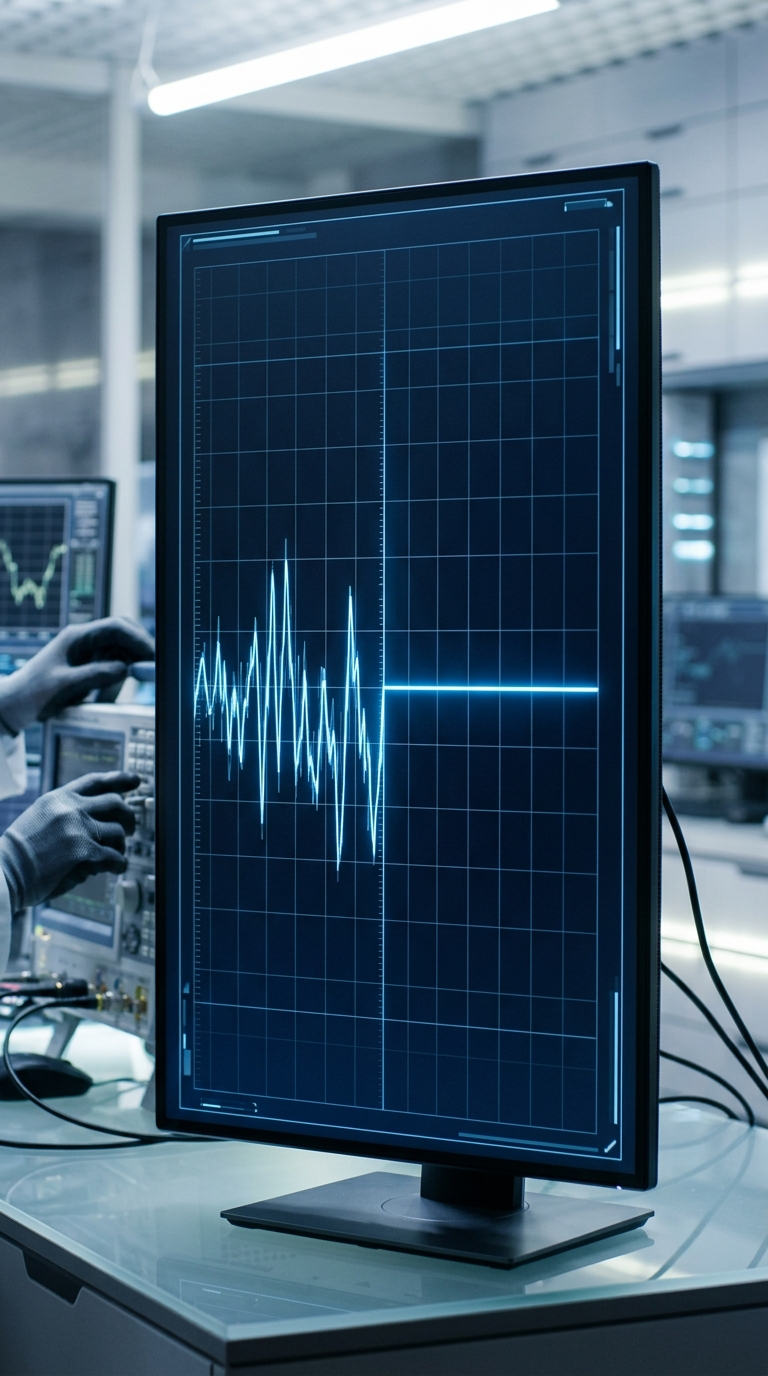
One reassuring truth about bubble level app accuracy: you can go from unreliable readings to professional-grade results fast. Unlike purchasing new hardware, the improvements are nearly instant — as long as you know the right steps.
Calibration: Under Two Minutes, Lasting Results
The single biggest accuracy upgrade takes less than two minutes to complete. Once you've run through a proper two-step calibration on a known flat reference (a granite countertop, a machined metal plate, or even a trusted analog level), that corrected zero point persists across sessions. You don't re-calibrate every time you pick up the phone. Do it once after installing the app, again if you change your phone case, and again if readings start drifting after a major temperature change.
The improvement is immediate and measurable:
- Before calibration: ±0.5°–1.0° error range (common for uncalibrated sensors)
- After calibration: ±0.1°–0.3° error range (achievable on modern iPhones with a quality app)
That shift from 1.0° to 0.2° might sound small on paper. On a 2-meter shelf, it's the difference between a 35mm drop end-to-end and a 7mm drop — between visibly crooked and imperceptibly off.
Other Quick Wins That Take Seconds
Beyond calibration, a few habits sharpen your readings every time:
- Remove or account for your case. A thick case can introduce a tilt offset. Either remove it before critical measurements or calibrate with the case on so any bias is zeroed out.
- Clean the surface. Dust, debris, or paint chips under your phone create micro-tilts that no sensor can detect or compensate for. A quick wipe takes five seconds.
- Let the phone warm up. Coming in from a cold car or bag? Give the device 30–60 seconds. Accelerometers drift slightly at temperature extremes and stabilize quickly once at ambient temperature.
- Use the Hold function. Shaky hands or an awkward position? Freezing the reading eliminates hand tremor from the final value entirely.
When You'll Notice the Difference in Real Projects
For everyday tasks — hanging picture frames, checking countertop installations, or leveling camera tripods — more consistent, repeatable readings show up the first time you use a calibrated app. No warmup period, no learning curve.
For more demanding work, like checking if a surface is truly level before tiling or setting complex angles on a miter saw jig, regular re-calibration and consistent surface prep compound over time.
The bottom line on timing: Accuracy improvements with a quality bubble level app aren't gradual — they're immediate. Calibrate once, adopt a few simple habits, and your app is already performing at its ceiling.
So, How Accurate Is a Bubble Level App? The Verdict
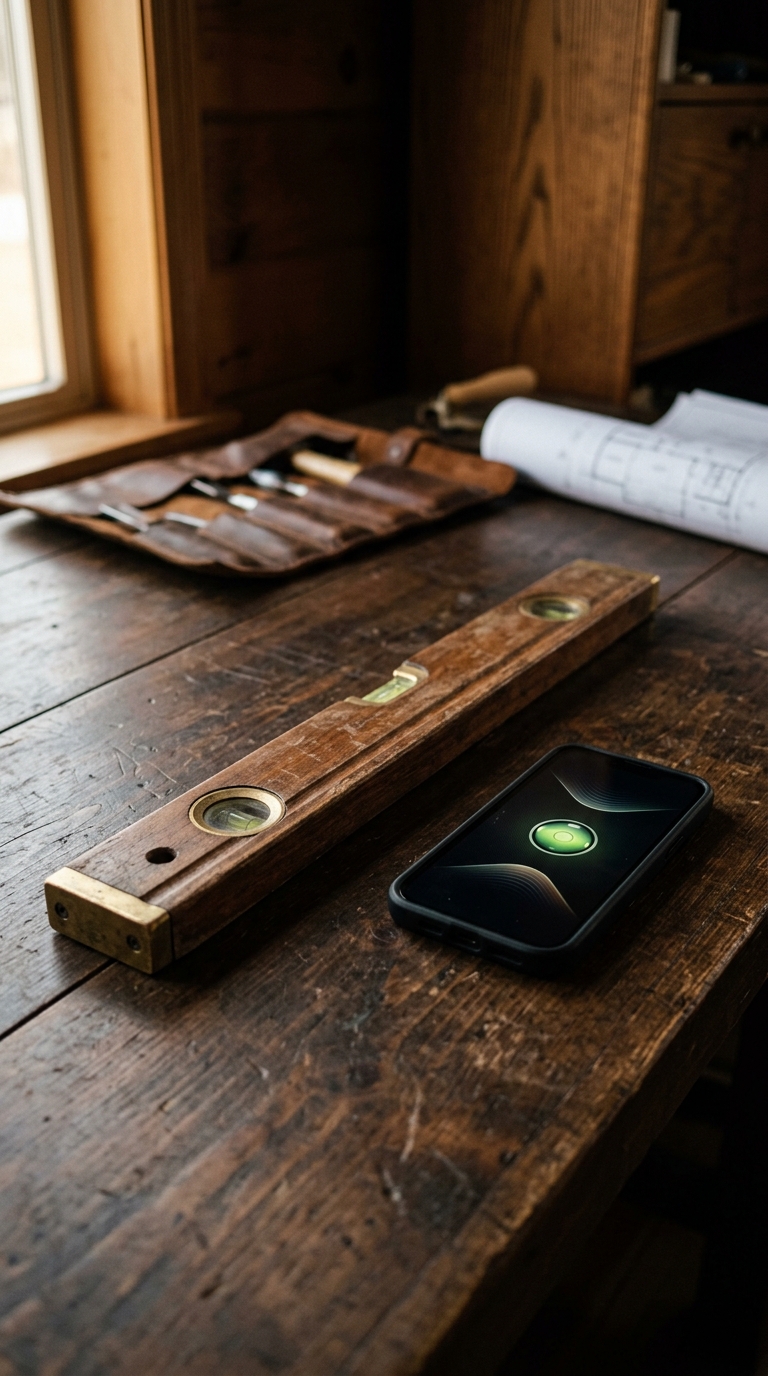
After reading through this guide, the answer should be clear: a bubble level app can be very accurate — and in many cases, more accurate than the analog tool it replaces. Here's the honest range:
- Uncalibrated, basic app: ±0.5°–1.0° (adequate for casual tasks, unreliable for precise work)
- Calibrated, quality app on a modern iPhone: ±0.1°–0.3° (on par with mid-to-high-end physical spirit levels)
- Purpose-built app with professional modes and regular calibration: consistently under 0.2° in controlled conditions
That last tier is achievable on the phone already in your pocket. No new hardware required.
The Factors That Actually Determine Accuracy
A quick summary of the key variables that make or break your readings:
- Calibration — the single highest-impact variable
- App quality — not all apps access or interpret sensor data the same way
- Device age and sensor health — newer iPhones have tighter sensor tolerances
- Phone case thickness — compensate by calibrating with the case on
- Surface cleanliness — debris under the phone creates errors no app can fix
- Temperature stability — allow your device to reach ambient temperature before measuring
When a Phone Level Is Enough — and When It Isn't
A calibrated bubble level app is fully sufficient for:
- Hanging shelves, artwork, and TV mounts
- Leveling furniture, appliances, and camera rigs
- Construction rough framing and finish carpentry
- Photography and videography setups
- General DIY and home improvement
You'll want certified hardware for:
- Engineering applications requiring tolerances below 0.05°
- Legally certified measurements in regulated environments
- Sustained outdoor use in extreme temperature swings
For the vast majority of professional and DIY scenarios, a purpose-built app like LevelPro — with its intelligent 2-step calibration, dual measurement modes, and AR Camera view — covers what you need. For a deeper dive on practical technique, the guide on how to use a spirit level app step by step walks through real-world usage from setup to final reading.
Weighing whether a paid app is worth it over a free alternative? The breakdown in our free level app vs paid level tool comparison will settle the question.
Final verdict: The real question isn't whether bubble level apps are accurate — it's whether you're using one that's been calibrated and built to be. If yes, you're working with a reliable instrument. If not, you're guessing. The difference is a two-minute setup.
LevelPro: Accuracy You Can Actually Trust on iPhone
LevelPro is built specifically to address the accuracy gap that plagues generic bubble level apps. Its intelligent 2-step calibration system zeros out sensor bias so readings reflect the true angle of the surface, not the quirks of your specific device or case. With two professional measurement modes (Bullseye for flat surfaces and Tubular for edges), you get the right tool for every scenario. The AR Camera mode lets you see the actual surface beneath your device in real time, removing guesswork entirely. For tight-tolerance work, Target Angle mode pairs subtle haptic and audio feedback with precise angle targeting, so you don't have to stare at a screen to know when you've hit your mark. LevelPro supports multiple measurement units and extends to your Apple Watch for hands-free readings — useful when your hands are full on a job site. It's designed for architects, engineers, photographers, and builders who need readings they can trust.
See What a Calibrated Level App Actually Feels Like
If you've been relying on a basic level app and wondering whether you can trust it, LevelPro gives you the calibration tools and professional modes to know for certain. Try it on your next project.
Frequently Asked Questions
How accurate is a bubble level app compared to a real spirit level?
A well-calibrated bubble level app on a modern iPhone can achieve accuracy of 0.1°–0.3°, which is on par with a quality analog spirit level. Cheap physical levels often only guarantee ±0.5°, meaning a premium app can actually outperform them. The key differentiator is calibration — an app with a proper calibration system will consistently beat an uncalibrated one.
What affects the accuracy of a phone level app?
Several factors influence accuracy: sensor quality in the device, whether the app has been calibrated, the thickness and rigidity of any phone case, surface debris between the phone and the object being measured, temperature fluctuations (which cause sensor drift), and the age of the device. Using a flat, clean surface and calibrating regularly minimizes most of these variables.
Does iPhone or Android give better level app accuracy?
iPhones generally use higher-quality, tightly integrated accelerometer and gyroscope chips with lower noise floors, which tends to produce more stable and repeatable readings. Apple also exposes consistent sensor APIs across devices, making it easier for developers to build reliable calibration routines. Android results vary significantly by manufacturer and chipset.
How do I know if my level app is accurate?
Test it with the reversal method: place your phone on a surface, note the reading, then rotate it 180° and check again. If the readings are equal and opposite (or both near zero on a flat surface), the app is accurate. Any discrepancy indicates sensor bias that calibration should fix. A good app will let you calibrate directly from a known flat reference.
Can I use a bubble level app for professional construction or engineering work?
Yes, with caveats. For rough framing, hanging shelves, mounting TVs, or photography setup, a calibrated bubble level app is fully sufficient. For engineering-grade work requiring tolerances below 0.1°, a certified digital level or laser level is still the standard. That said, apps like LevelPro — with professional modes and calibration — bring smartphone levels much closer to professional tool territory than most people expect.
Does a phone case affect level app accuracy?
Yes. A thick or uneven case can tilt the phone slightly relative to the surface being measured, introducing a systematic error. For best results, either remove the case when taking critical measurements or calibrate the app with the case on, so any tilt bias is zeroed out during calibration.