
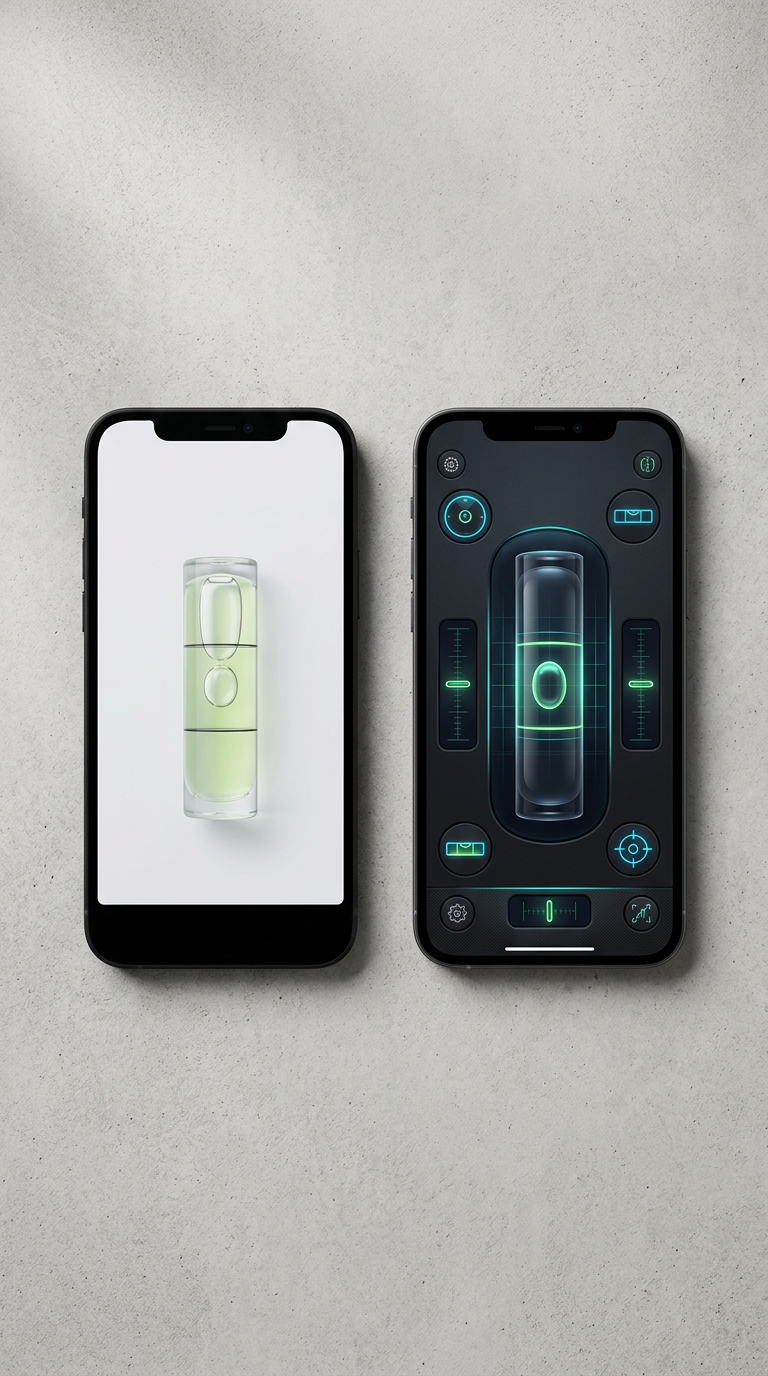
Spirit level apps and bubble level apps both use your phone's accelerometer to measure tilt, but spirit level apps typically offer more professional modes, calibration tools, and advanced features like AR and angle targeting — making them the better choice for precision work.
At their core, spirit level apps and bubble level apps do the same job: they read your device's built-in accelerometer to display tilt and angle data. The real difference lies in depth and polish. Basic bubble level apps show a simple on-screen bubble and little else, which is fine for occasional household tasks. Spirit level apps tend to bundle multiple measurement modes (bullseye, tubular, angle), intelligent calibration systems, AR camera overlays, and haptic/audio feedback into a cohesive professional tool. If you're an architect, engineer, photographer, or serious DIYer who needs reliable readings across varied surfaces and conditions, a dedicated spirit level app delivers more value than a generic bubble level alternative.
Spirit Level App vs Bubble Level App: What's Really the Difference?
Search the App Store for a leveling tool and you'll almost certainly run into both terms: spirit level app and bubble level app. They sound like they might describe completely different products — but do they? And if you're trying to decide between the two, does the label even matter?
The short answer: yes, it matters more than you'd think.
On the surface, both types of app do the same fundamental job. They read your iPhone or iPad's built-in accelerometer and display tilt or angle data on screen — often with a visual bubble that mimics the classic liquid-filled vial used on a job site or in a workshop. Look closer, though, and you'll find that the spirit level app vs bubble level app debate is really a question of depth, polish, and professional utility.
- Bubble level apps tend to be simple, single-function tools. You get an on-screen bubble, maybe a degree readout, and that's about it. Fine for hanging a picture once a year, but limited beyond that.
- Spirit level apps are typically more comprehensive instruments. They bundle multiple measurement modes, intelligent calibration, AR camera overlays, haptic feedback, and Apple Watch support into a single professional package.
Below, we break down exactly how these two categories stack up across the criteria that actually matter: accuracy, features, design, real-world usability, and value. By the end, you'll know which type belongs in your toolkit.
Spirit Level App vs Bubble Level App: Feature-by-Feature Breakdown
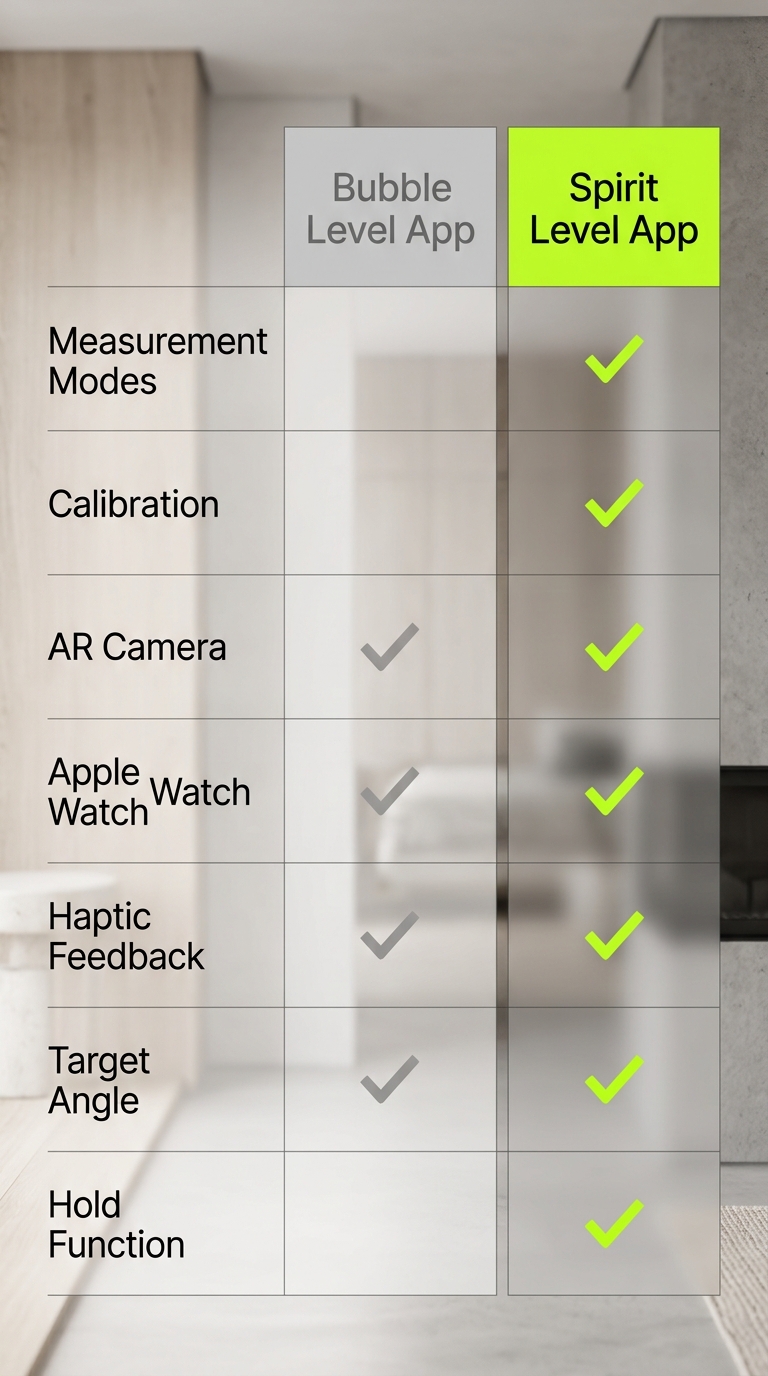
Put a spirit level app and a bubble level app side by side and the differences become hard to ignore. Here's how each category performs across the criteria that determine real-world value.
---
📐 Measurement Modes
| Feature | Bubble Level App | Spirit Level App |
|---|---|---|
| Bullseye (flat surface) | Sometimes | ✅ Yes |
| Tubular (edge/wall) | Sometimes | ✅ Yes |
| Angle readout | Basic | ✅ Precise |
| Multi-axis measurement | Rarely | ✅ Yes |
Basic bubble level apps typically offer one view — a vial on screen — with a degree number beneath it. Spirit level apps offer dedicated modes built for specific tasks: a Bullseye mode for checking flat horizontal surfaces and a Tubular mode for vertical edges and walls. If you need to measure angles with precision for carpentry or installation work, having purpose-built modes makes a practical difference.
---
🎯 Calibration
Calibration is the single biggest factor in leveling app accuracy — and most bubble level apps skip it entirely, or offer a crude single-step correction at best.
Spirit level apps like LevelPro use an intelligent 2-step calibration system that accounts for the unique sensor characteristics of your specific device. No two iPhones have perfectly identical accelerometer baselines from the factory, and without calibration, even small offset errors can compound across a job.
- Bubble level apps: No calibration, or a basic zero-point reset
- Spirit level apps: Multi-step intelligent calibration correcting for device-specific sensor drift
For anyone who needs readings they can trust — from understanding how to calibrate your iPhone level tool through to on-site structural checks — proper calibration isn't optional.
---
📷 AR Camera Mode
One of the most useful features in premium spirit level apps is AR Camera mode, which is largely absent from basic bubble level alternatives.
Rather than placing your phone flat on a surface and tilting your head to read the screen, AR mode overlays the level measurement directly onto the live camera feed. You see the actual surface, the actual angle, and the actual bubble — all at once, in real time. For mounting equipment, aligning shelves at height, or working in awkward positions, this changes how you work entirely.
---
⌚ Apple Watch Integration
- Bubble level apps: Rarely supported
- Spirit level apps: LevelPro streams real-time measurements to Apple Watch
When your phone is mounted, clamped to a rig, or balanced on a surface you're actively adjusting, glancing at your wrist for readings is a practical workflow advantage that basic apps simply don't provide.
---
🔔 Feedback & Usability Features
| Feature | Bubble Level App | Spirit Level App |
|---|---|---|
| Haptic feedback at target | ❌ Rarely | ✅ Yes |
| Audio tone at level | ❌ Rarely | ✅ Yes |
| Target Angle mode | ❌ No | ✅ Yes |
| Hold/freeze reading | ❌ No | ✅ Yes |
| Multiple unit support | ❌ Rarely | ✅ Yes |
Target Angle mode lets you pre-set a specific angle and receive haptic and audio confirmation when you've hit it — so you can work without watching the screen. The Hold function freezes the current reading, letting you step back from an awkward position and still capture the measurement.
---
💡 Design & Interface
Interface quality directly affects usability under pressure. Bubble level apps frequently rely on generic UI templates — functional, but often difficult to read in bright or dim environments.
Premium spirit level apps invest in deliberate design: dark themes, high-contrast neon accents, and clean typographic layouts that stay readable at a glance, whether you're working outdoors in sunlight or in a dimly lit space.
---
The verdict on features? Spirit level apps outperform across every meaningful category: calibration, modes, feedback, hardware integration, and design. The only area where a basic bubble level app holds an edge is setup speed — if you need something installed in 10 seconds and used once, a free bubble app gets the job done. For anything more demanding, the feature gap is decisive.
Spirit Level App vs Bubble Level App: Honest Pros & Cons
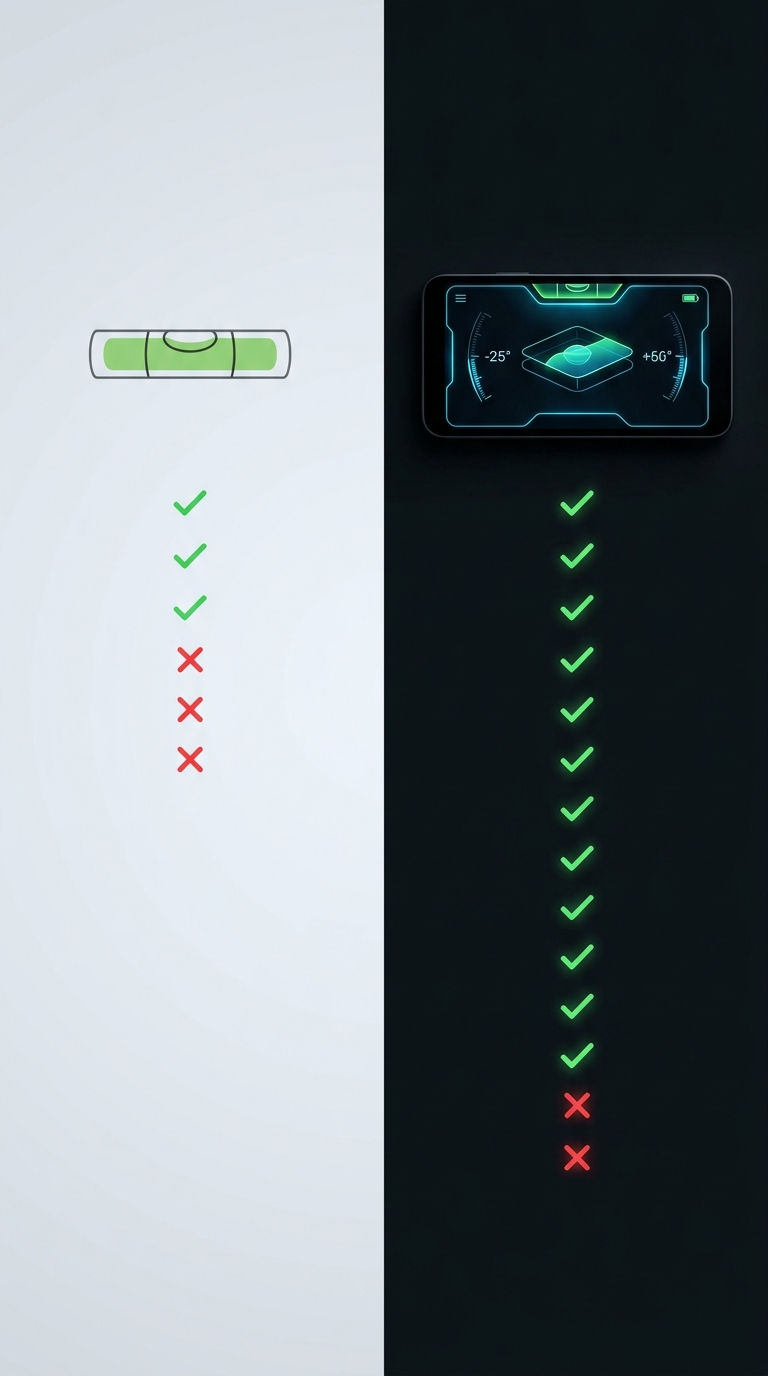
Every tool has trade-offs, and knowing them upfront saves you from downloading something that doesn't match your actual workflow. Here's the straightforward breakdown of what each category gets right — and where each falls short.
---
✅ Bubble Level App: Pros
- Zero learning curve. Open the app, hold up your phone, done. For a quick one-off check, the simplicity is hard to argue with.
- Usually free. Most basic bubble level apps are available at no cost, with no subscription required.
- Lightweight install. Minimal storage, minimal permissions, minimal setup.
- Familiar visual language. The on-screen vial mimics the physical tool most people already know.
---
❌ Bubble Level App: Cons
- No calibration — and that's a real problem. Without correcting for your device's specific sensor offset, readings can be quietly wrong by enough to matter. For anyone who needs measurements they can stake a project on, this is a fundamental flaw.
- One mode, one use case. Most bubble level apps offer a single vial view. There's no Bullseye mode for flat surfaces, no Tubular mode for vertical edges — just a generic display that treats all leveling tasks as identical.
- No feedback mechanisms. No haptic pulse when you hit your target angle, no audio tone to confirm level — you're watching a screen the entire time, which is awkward in real working conditions.
- No AR overlay. You'll need to physically place your phone on every surface you want to measure, which limits what you can practically check.
- Dated design. Many bubble level apps have low-contrast interfaces that become hard to read outdoors or in poor lighting.
---
✅ Spirit Level App: Pros
- Proper calibration system. A multi-step intelligent calibration process corrects for device-specific sensor characteristics, giving you readings you can rely on. Our guide on how to use a spirit level app correctly walks through the calibration process step by step.
- Multiple purpose-built modes. Bullseye for flat surfaces, Tubular for edges and walls — each view is built for its specific task.
- AR Camera mode. Seeing tilt data overlaid on the live camera feed removes the awkward phone-placement problem entirely.
- Hands-free feedback. Target Angle mode with haptic and audio confirmation means you can level a surface without staring at the screen.
- Apple Watch streaming. When the phone is mounted or hard to see, real-time readings on your wrist keep the workflow moving.
- Hold function. Freeze a reading when you're in an awkward position, step back, and read it at your leisure.
- Readable design. High-contrast dark UI with refined neon accents stays legible in any lighting condition.
---
❌ Spirit Level App: Cons
- Subscription cost. Premium spirit level apps like LevelPro require an active subscription. For professional or frequent use, that cost is easy to justify — but for occasional casual checks, it may be more than you need.
- Brief setup investment. Running through calibration and learning multiple modes takes a few minutes. It's worth doing, especially if you follow a structured approach like the one in our best spirit level app for iPhone guide — but it's not as instant as a basic bubble app.
- More features than some users need. If all you ever do is check whether a single shelf bracket is straight a few times a year, the depth of a professional spirit level app may exceed your use case.
---
The Honest Summary
Bubble level apps win on: setup speed, zero cost, and simplicity for genuinely casual use.
Spirit level apps win on: accuracy via calibration, professional measurement modes, AR camera overlay, feedback mechanisms, Apple Watch integration, and design quality — essentially everything that matters when the result has real consequences.
For most people reading a spirit level app vs bubble level app comparison, the pros of a spirit level app outweigh the cons. The subscription cost is the only meaningful trade-off, and it pays for itself the moment it saves you from a misaligned install, a crooked shelf, or a costly professional re-do.
Final Verdict: Spirit Level App vs Bubble Level App — Which One Should You Download?
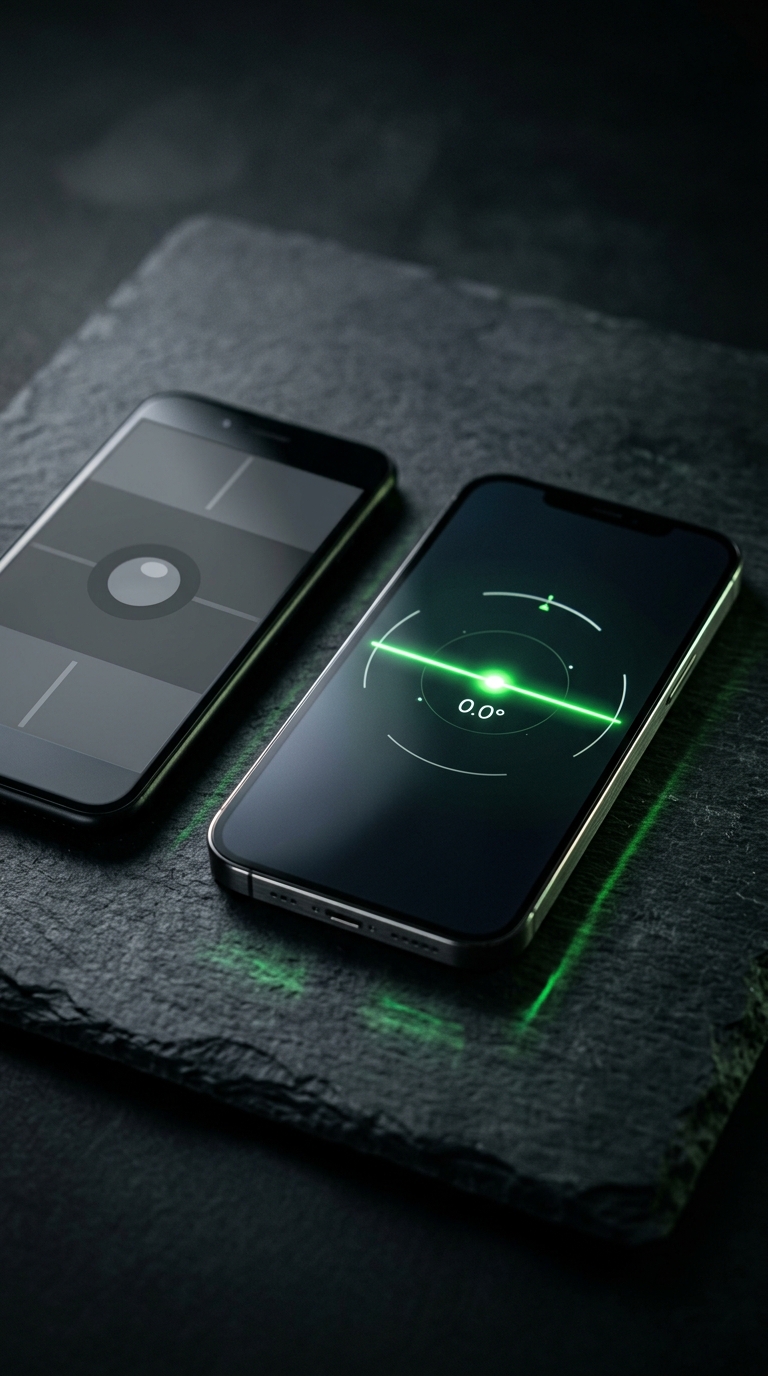
After comparing both categories across accuracy, features, design, calibration, and real-world usability, the spirit level app vs bubble level app verdict isn't particularly close — but it does depend on who you are and what you actually need.
---
Choose a Bubble Level App If…
- You have a single, simple, one-off task (hanging one picture frame, checking one shelf)
- You need something installed in under a minute with zero setup
- You're unwilling or unable to pay for a subscription tool
- Precision down to fractions of a degree doesn't matter for your use case
For these scenarios, a free bubble level app is a reasonable choice. It gets the job done at a basic level.
---
Choose a Spirit Level App If…
- You're a professional — an architect, engineer, photographer, builder, or designer — who depends on accurate measurements
- You work with angled surfaces, vertical edges, and flat planes across the same project
- You need to trust your readings without second-guessing sensor drift or uncorrected offsets
- You want AR Camera mode, Apple Watch streaming, haptic feedback, and a Hold function to support how you actually work
- You'll be using your leveling tool regularly, making the subscription cost a sound investment
For these situations — the majority of real-world precision use cases — a spirit level app isn't just better. It's the only honest choice.
---
The Clear Winner: LevelPro
In the spirit level app vs bubble level app comparison, LevelPro represents what the spirit level category does best. Its intelligent 2-step calibration system means every reading is corrected for your device's specific sensor profile. Dual professional modes (Bullseye and Tubular) adapt to the surface in front of you, while AR Camera mode, Target Angle precision with haptic confirmation, Apple Watch companion streaming, and a Hold function that freezes readings in awkward positions all separate a professional instrument from a basic one.
To get the most out of the app from day one, our guide on how to check if a surface is level covers the real-world surface types and scenarios where the difference between calibrated and uncalibrated readings becomes immediately visible. And if you're still weighing up which specific app to commit to, our roundup of the best bubble level app options for iPhone gives you a broader view before you decide.
The bottom line: if accuracy matters, spirit level apps win — and LevelPro wins that category. Download it, run through the two-step calibration, and you'll understand within minutes why professionals don't settle for a basic bubble on a screen.
Why LevelPro Stands Apart from Basic Bubble Level Apps
LevelPro is a premium spirit level app for iPhone and iPad built for people who need both precision and a well-considered interface. Unlike generic bubble level apps that offer a single on-screen vial, LevelPro delivers two professional measurement modes — Bullseye for flat surfaces and Tubular for edges — alongside an intelligent 2-step calibration system that corrects for your device's individual sensor characteristics. AR Camera mode lets you see the real surface beneath your device through the live camera feed, removing guesswork. Real-time readings flow to your Apple Watch via the companion app, and Target Angle mode pairs haptic and audio feedback so you can work without staring at the screen. A Hold function freezes the display when you need to step back from an awkward position, and multiple measurement units keep the app adaptable to any professional context. Wrapped in a dark design with refined neon accents, LevelPro makes the spirit level app vs bubble level app debate straightforward.
See What a Proper Level App Feels Like
If this comparison has made one thing clear, it's that not all leveling apps are built the same. Try LevelPro on your iPhone or iPad and see what thoughtful design, genuine calibration, and professional-grade features actually feel like — whether you're aligning a camera rig, checking structural elements, or hanging something that has to be exactly right.
Frequently Asked Questions
What is the difference between a spirit level app and a bubble level app?
Both types use your phone's accelerometer to measure tilt. 'Bubble level app' usually refers to simple apps that mimic a traditional bubble vial on screen, while 'spirit level app' is a broader term often associated with more feature-rich tools offering multiple modes, calibration, and professional-grade accuracy.
Are spirit level apps accurate enough for professional use?
Yes — provided the app includes a proper calibration system and supports multiple measurement modes. Apps like LevelPro offer a 2-step intelligent calibration process and dedicated bullseye and tubular modes, making them accurate enough for architectural, engineering, and photography work.
Can I use a bubble level app on an iPhone?
Yes. iPhones have a highly sensitive built-in accelerometer and gyroscope, which most leveling apps — whether marketed as bubble level or spirit level apps — rely on for their readings.
Do spirit level apps work on Apple Watch?
Some do. LevelPro, for example, includes an Apple Watch companion app that streams real-time level measurements directly to your wrist — useful when your phone is mounted or hard to see.
Is a free bubble level app good enough, or should I pay for a spirit level app?
For simply hanging a picture or checking a shelf, a free bubble level app can suffice. For professional or precision tasks — construction, photography, design, engineering — a premium spirit level app with calibration, AR camera mode, and angle targeting is well worth the subscription cost.
What is AR Camera mode in a spirit level app?
AR Camera mode overlays the level measurement directly onto your phone's live camera feed, so you can see the actual surface you're leveling in real time without having to place the device flat on it. LevelPro includes this feature for more intuitive leveling.